Why Anime Dubs and Subtitles Don't Match & How to Fix It
最終更新日:
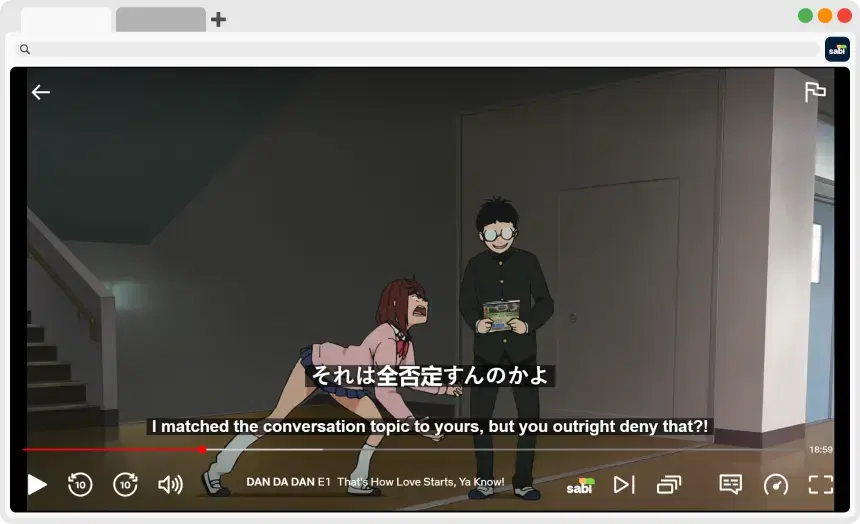
💡 Quick Answer: Standard subtitles are a direct translation of the original Japanese, while dubs are rewritten to match the on-screen character's lip movements.
🛠️ The Fix: Streaming sites like Netflix usually don't provide matching subtitles for dubs. To fix this instantly, you can use Sabi, the Chrome Extension that uses AI to listen to the dub and generate perfectly matching subtitles.
If you've watched anime for any amount of time, you've probably come across the classic debate of Sub vs. Dub. However, there's also a third group that doesn't get talked about enough: people who want to watch the dub with corresponding subtitles turned on.
The thing is, though, it's not as simple as it might seem. If you try to watch a show like Cyberpunk: Edgerunners or Demon Slayer, you'll notice very quickly that the characters are saying one thing while the subtitles say something completely different. Why does this happen? In this article, we'll break down why anime dubs and subtitles don't match and how to fix it.
🎞️ Why Do Anime Subtitles Not Match the Dub?
To understand the mismatch between audio and subtitles, you need to understand how anime is adapted.
Direct Translation (The Subtitles)
Standard subtitles are usually:
— A direct translation of the original Japanese script
— Focused on preserving meaning and nuance
— More literal in structure
They aim to stay as close as possible to what was originally said.
Localization (The Dubbed Audio)
Dubbing is a completely different process. Voice actors don't just read a translated script, as it has to be adapted to the mouth movements and localized.
1. Matching Lip Flaps
Anime characters have pre-animated mouth movements. The dubbed dialogue must then:
— Match timing
— Fit syllable counts
— Sync with mouth movement
This often forces changes in wording.
2. Cultural Adaptation
Japanese dialogue often includes:
— Cultural references
— Wordplay or puns
— Expressions that don't translate directly
Localization adapts these into:
— Natural-sounding speech
— Equivalent jokes or expressions
The Result
You end up with:
— Subtitles = Literal translation of Japanese
— Dub audio = Localized language script
🔤 Why Doesn't Netflix Have Closed Captions (CC) for Dubs?
The Core Problem
Creating subtitles isn't free, and to fully solve the issue, platforms would need:
1. A translation subtitle track for the original audio
2. A separate Closed Caption (CC) track for each dub
But most platforms usually only provide translated subtitle tracks based on the original Japanese script.
What This Means for Viewers
If you watch a dub:
— Subtitles don't match
— No accurate transcription available
While some newer shows on Netflix are starting to include CC for multiple languages, it's still not very common.
🎯 How to Fix Mismatched Anime Subtitles using AI
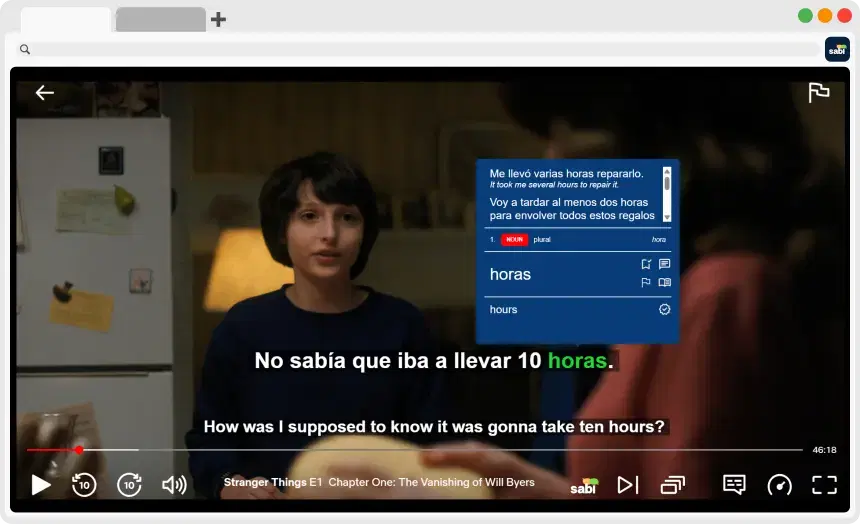
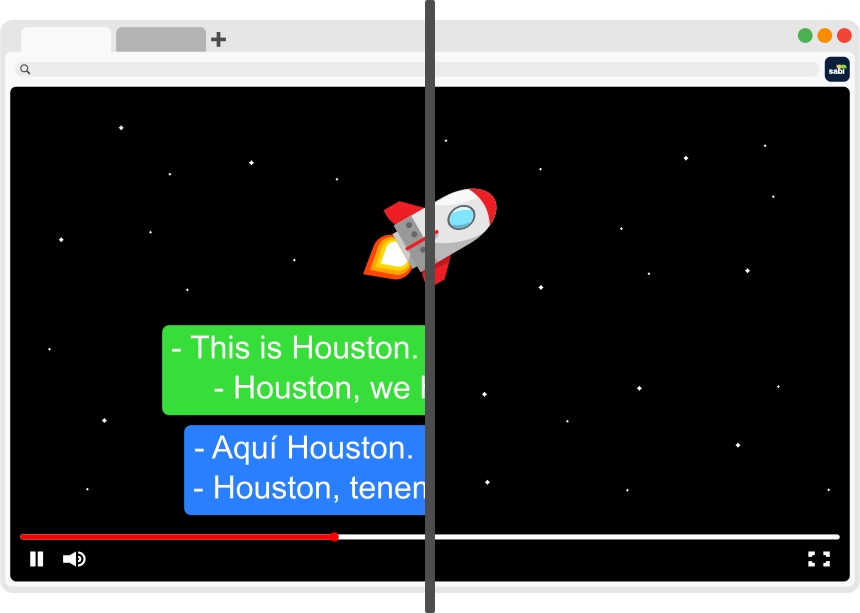
Sabi is a Chrome extension that solves this problem by using AI-powered subtitle generation. Instead of relying on the pre-loaded subtitle files from Netflix or Disney+, Sabi uses advanced AI Whisper technology to listen to the anime's audio track and print exactly what the voice actor is saying onto your screen.
That means:
— The subtitles reflect what you actually hear, not what was originally written
— They stay aligned with dubbed dialogue
Sabi also works on YouTube, where auto-generated captions are often inaccurate, as well as on Amazon Prime Video.
📖 Step-by-Step Guide: Making Your Subtitles Match
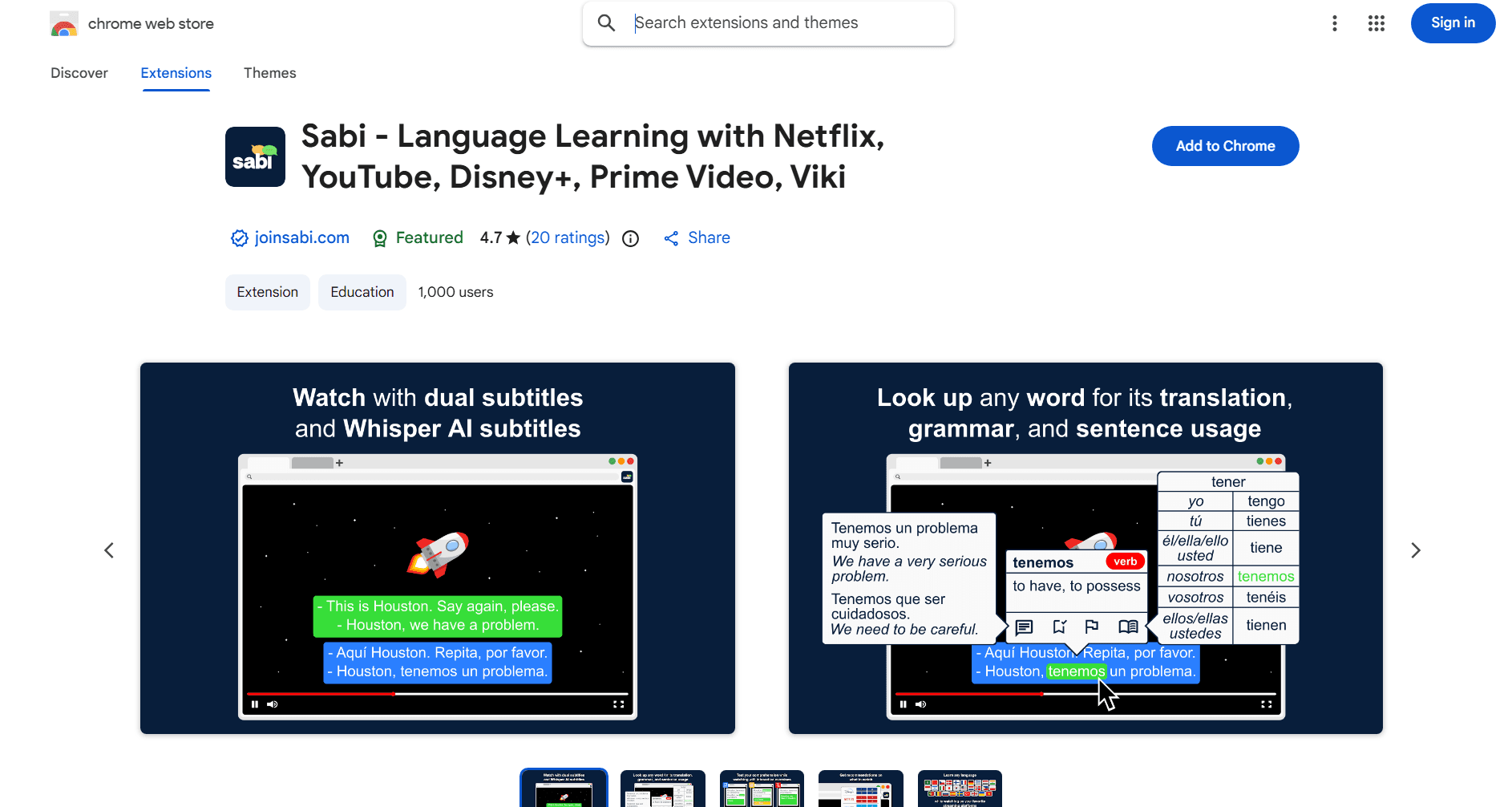
Step 1: Download the Chrome Extension
Install Sabi from the Chrome Web Store.
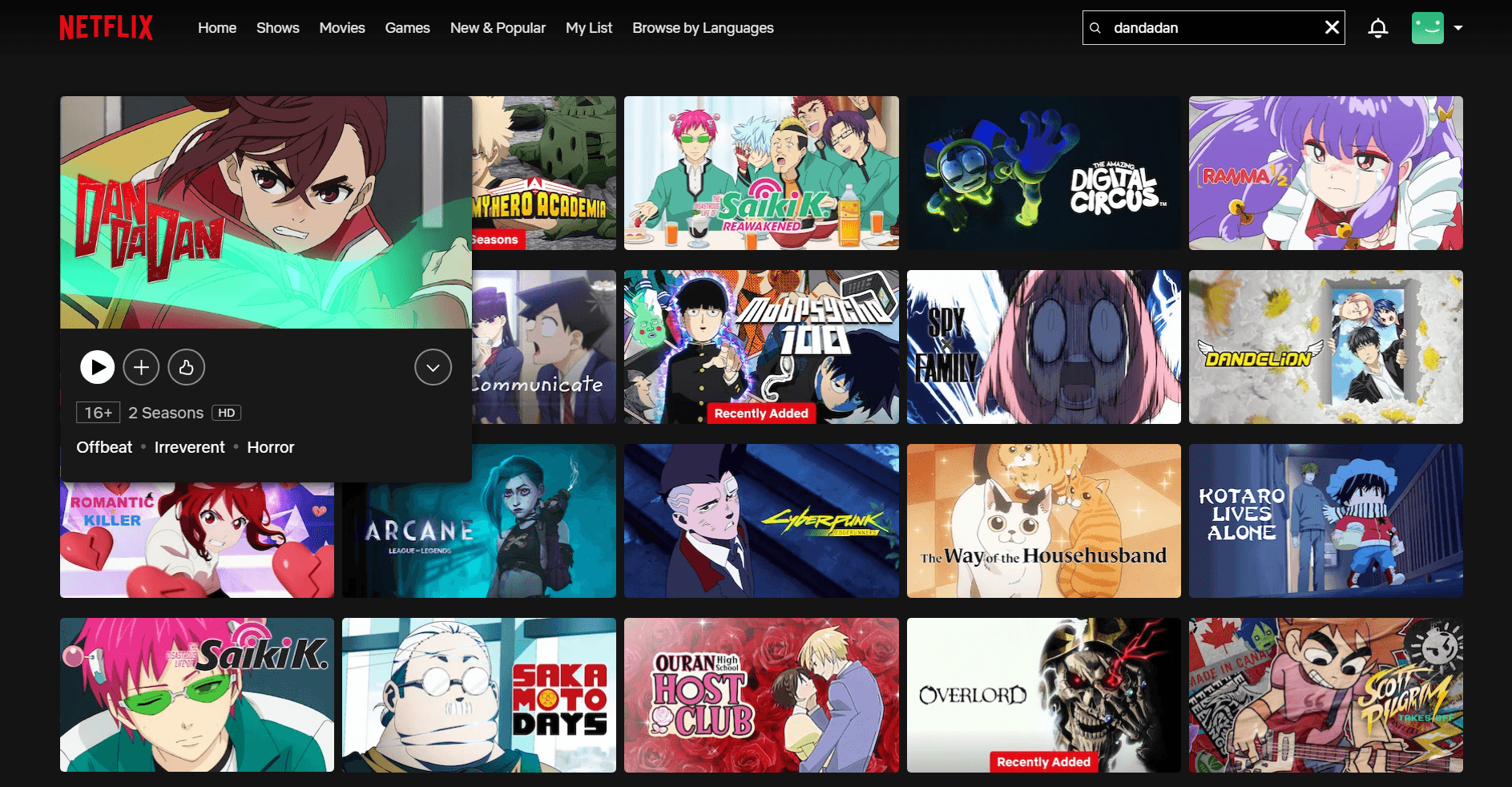
Step 2: Open Your Anime
Go to Netflix or Disney+ and pick your favorite show.
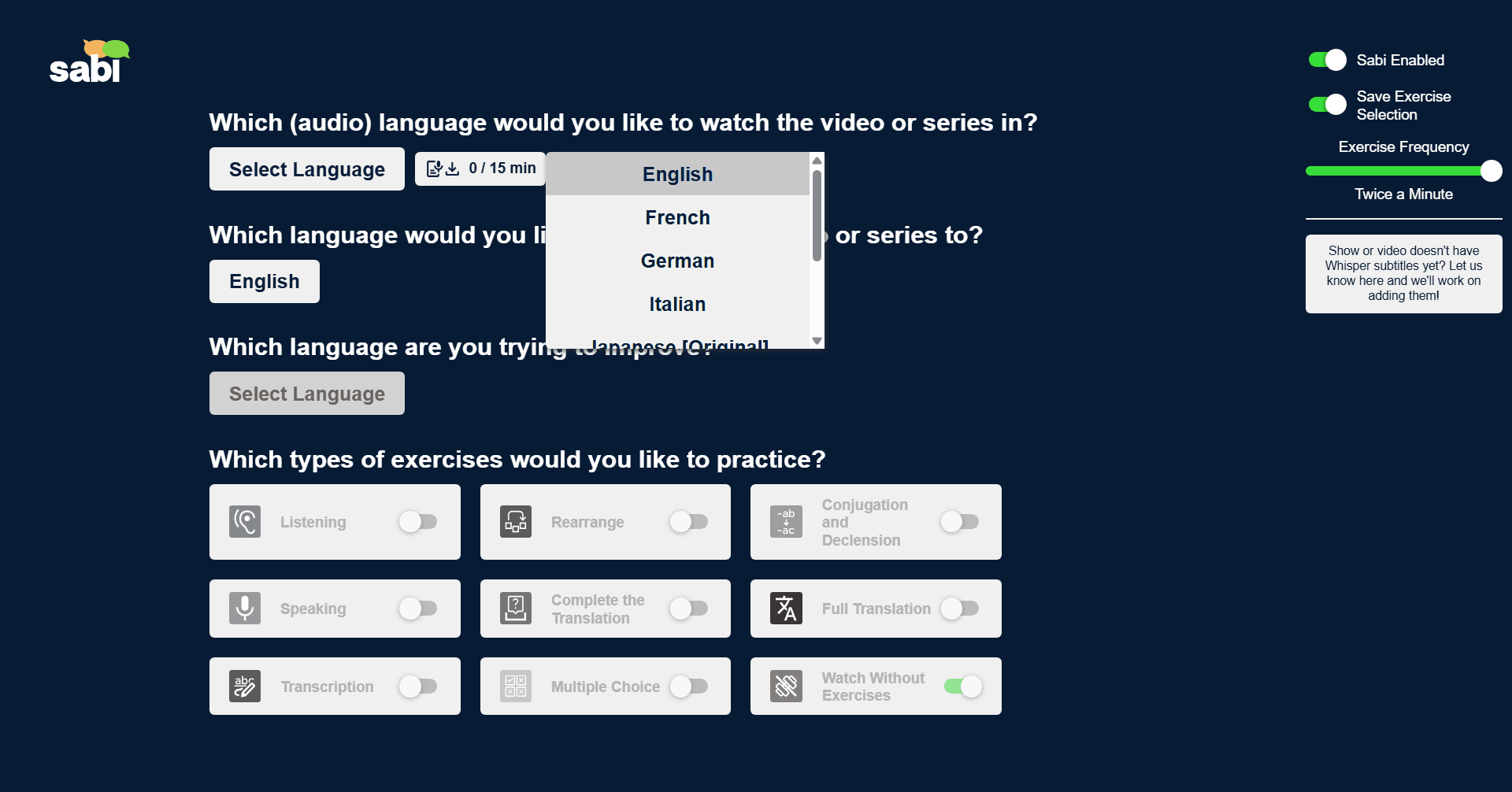
Step 3: Select Your Dub
On the Sabi settings screen, choose which dubbed audio language you want AI subtitles for.
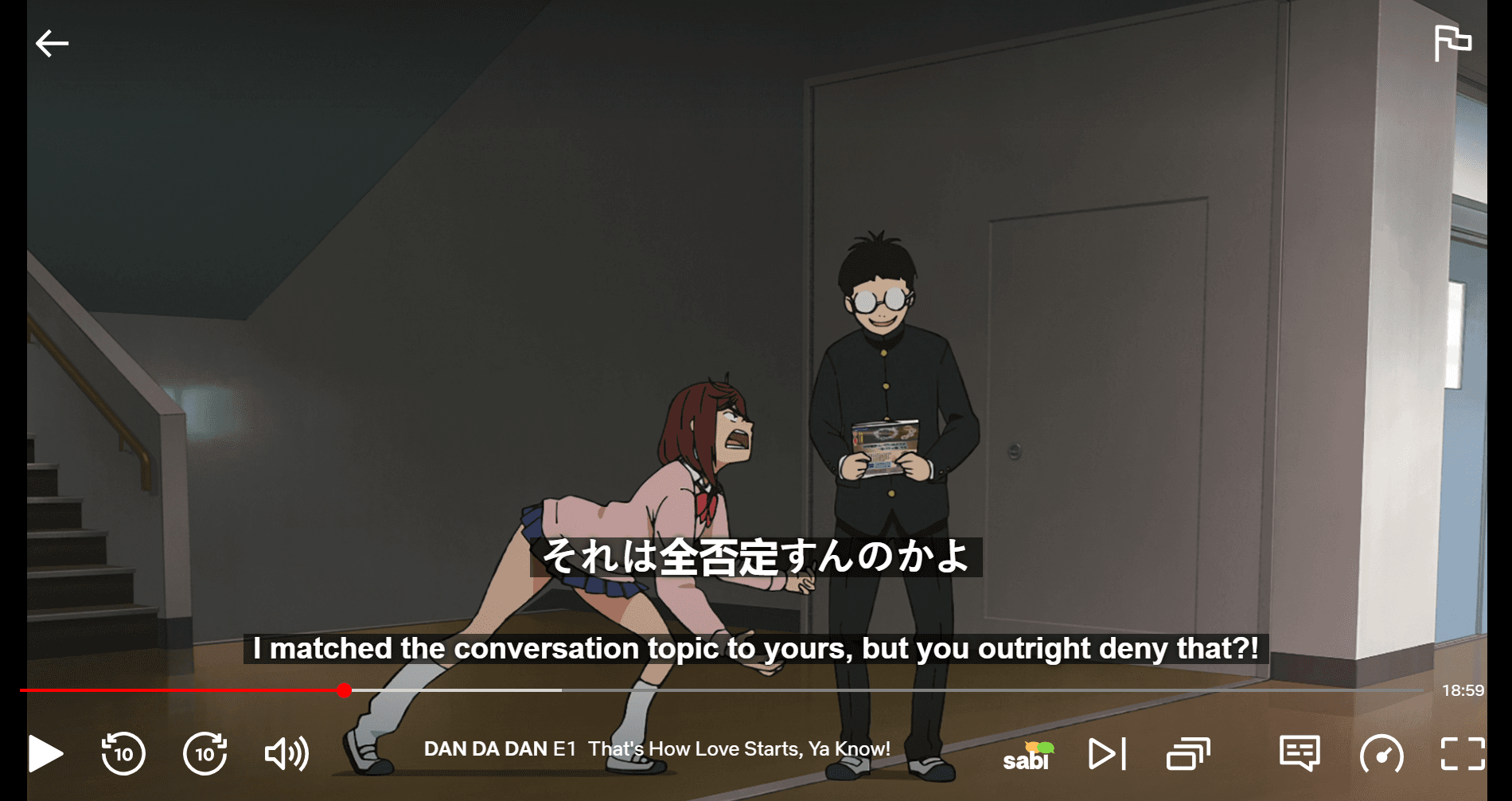
Step 4: Enjoy Matching Subtitles
Watch with subtitles that actually match what's being said.
Why Anime Fans Love This Feature
1. Focus & Accessibility
For many viewers:
— Fast dialogue can be hard to follow
— ADHD or auditory processing issues make mismatched subtitles frustrating
Accurate subtitles:
— Improve focus
— Reduce cognitive load
— Make anime more accessible
2. Learning Japanese
If you're using anime to learn Japanese, you can:
— Use dual subtitles
— See accurate subtitles that match the audio
This creates a powerful immersion setup, especially when combined with techniques like shadowing. For a full walkthrough, see our guides to learning Japanese with anime on Netflix and learning a language with Netflix.
❓ Frequently Asked Questions
Why don't anime subtitles match the dub?
Standard anime subtitles are a fairly literal translation of the original Japanese script, while the English dub is rewritten to fit the characters' mouth flaps, timing, and cultural context. The two are produced by separate teams, so the wording rarely lines up.
Are Netflix anime subtitles accurate?
Netflix's default subtitles are an accurate translation of the original Japanese audio, not of the English dub. If you watch with the English dub on, the subtitles won't match what you hear because they were never meant to. For subtitles that match the dub, you need AI subtitles generated from the dubbed audio track.
How do I get subtitles that match the anime dub?
Use the Sabi browser extension. It uses Whisper AI to transcribe the dubbed audio you're actually hearing and displays subtitles that match it word for word, on Netflix, YouTube, Disney+, Prime Video, and Rakuten Viki.
Should I watch anime subbed or dubbed to learn Japanese?
To learn Japanese, watch in the original Japanese audio with Japanese (or dual) subtitles, so what you read matches what you hear. The dub is fine for casual viewing, but mismatched sub-and-dub text makes shadowing and vocabulary work unreliable. See our guide to learning Japanese with anime on Netflix.
🚀 Final Thoughts
Anime dubs and subtitles don't match because:
— Subtitles are direct translations
— Dubs are localized for speech, timing, and culture
While this can be a limitation, tools like Sabi help you get subtitles that actually match what you hear, making your anime experience smoother, clearer, and far less frustrating.