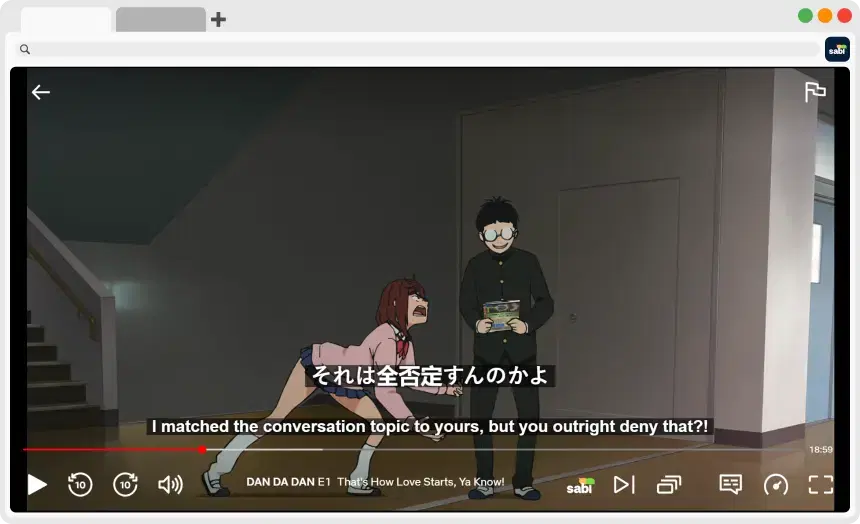
How to Get Japanese Subtitles on Netflix
💡 Quick answer: Netflix only has Japanese subtitles for some titles, and it varies by region. If a show has Japanese audio but no Japanese subtitles, you can use your computer to create them from the audio:
1. Install the Sabi Chrome Extension.
2. Open the show on Netflix in your browser.
3. On the Sabi startup screen, load Whisper AI subtitles for Japanese.
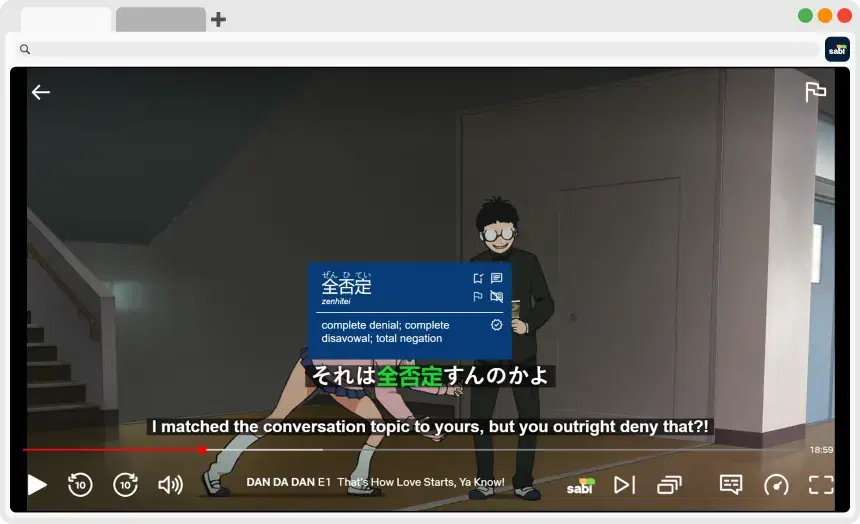
4. Hover over any word to see its translation.
❓ Why Doesn't Netflix Have Japanese Subtitles for Every Show?
Netflix doesn't offer every language on every title. According to Netflix, what's available can depend on your location, your profile's language settings, the title itself and your device. Licensing agreements also affect which languages a title can have.
This is why a show can have Japanese audio but no Japanese subtitles, and why a title that has them in one country may not have them in another.
That's frustrating if you're learning Japanese. Japanese subtitles let you read what you hear, which is especially useful for kanji and fast dialogue.
🔍 First, Check Whether Netflix Has Japanese Subtitles
Before you try anything else, make sure the subtitles aren't already there:
1. Check the player: Play the title on a computer and open the Audio & Subtitles menu.
2. Check your profile: Add Japanese to your profile's language settings on the Netflix website, then look at the title again.
3. Browse by subtitle language: Go to netflix.com/browse/subtitles to see which titles have subtitles in the language you choose.
4. Try a newer device: Netflix says apps on devices made before 2014 may not support Japanese subtitles.
If Japanese still isn't listed, the title probably doesn't have it where you are.
📺 How to Get Japanese Subtitles When Netflix Doesn't Have Them
Sabi is a browser extension that can create subtitles from a show's audio using Whisper AI. It works in Chrome, Edge, Brave and Opera on your computer. The show needs Japanese audio, because that's what the subtitles are made from.
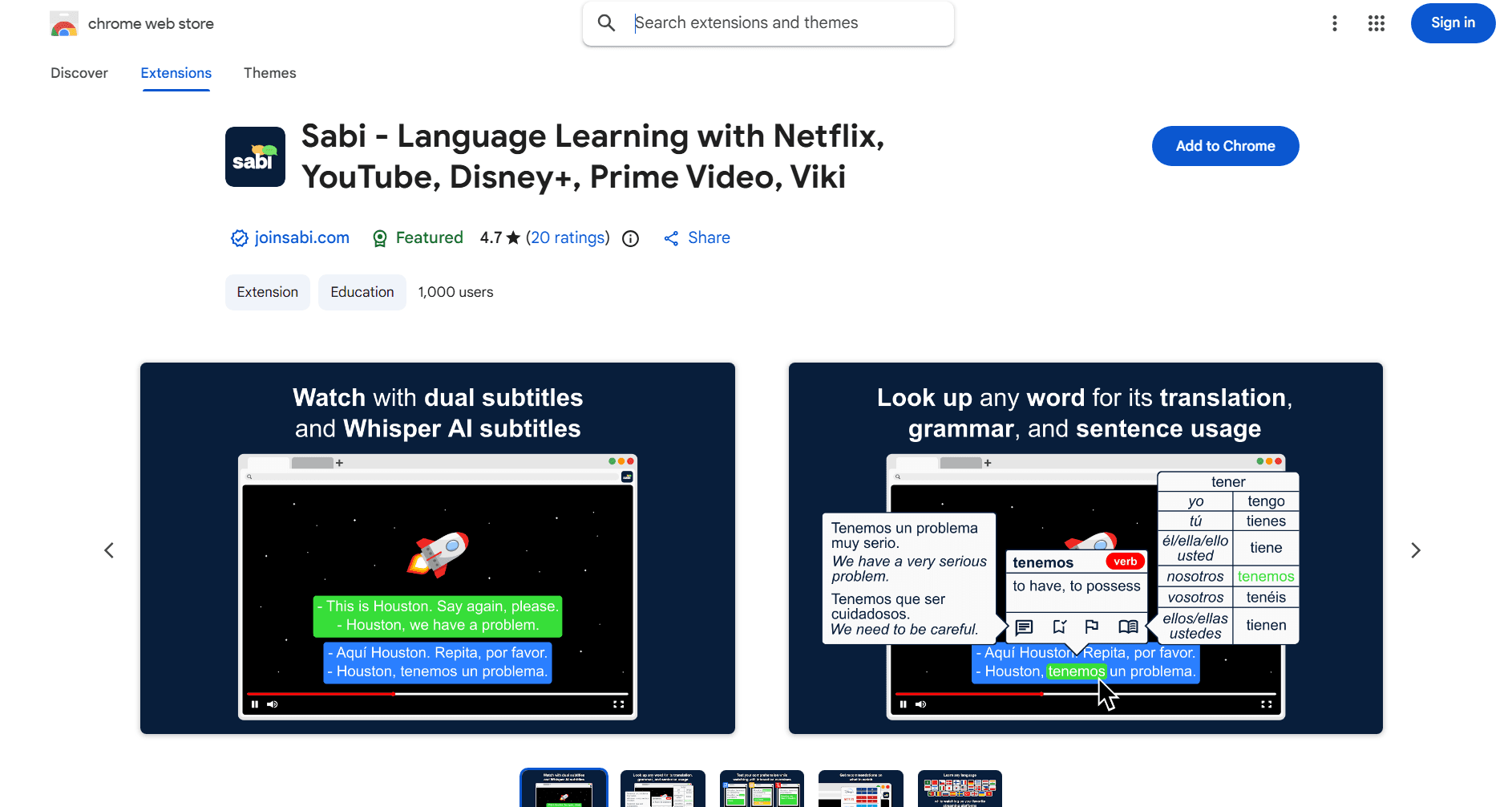
1. Install Sabi: Add the extension from the Chrome Web Store and pin it to your toolbar.
2. Open the show on Netflix: Go to netflix.com in your browser and play the episode or movie.
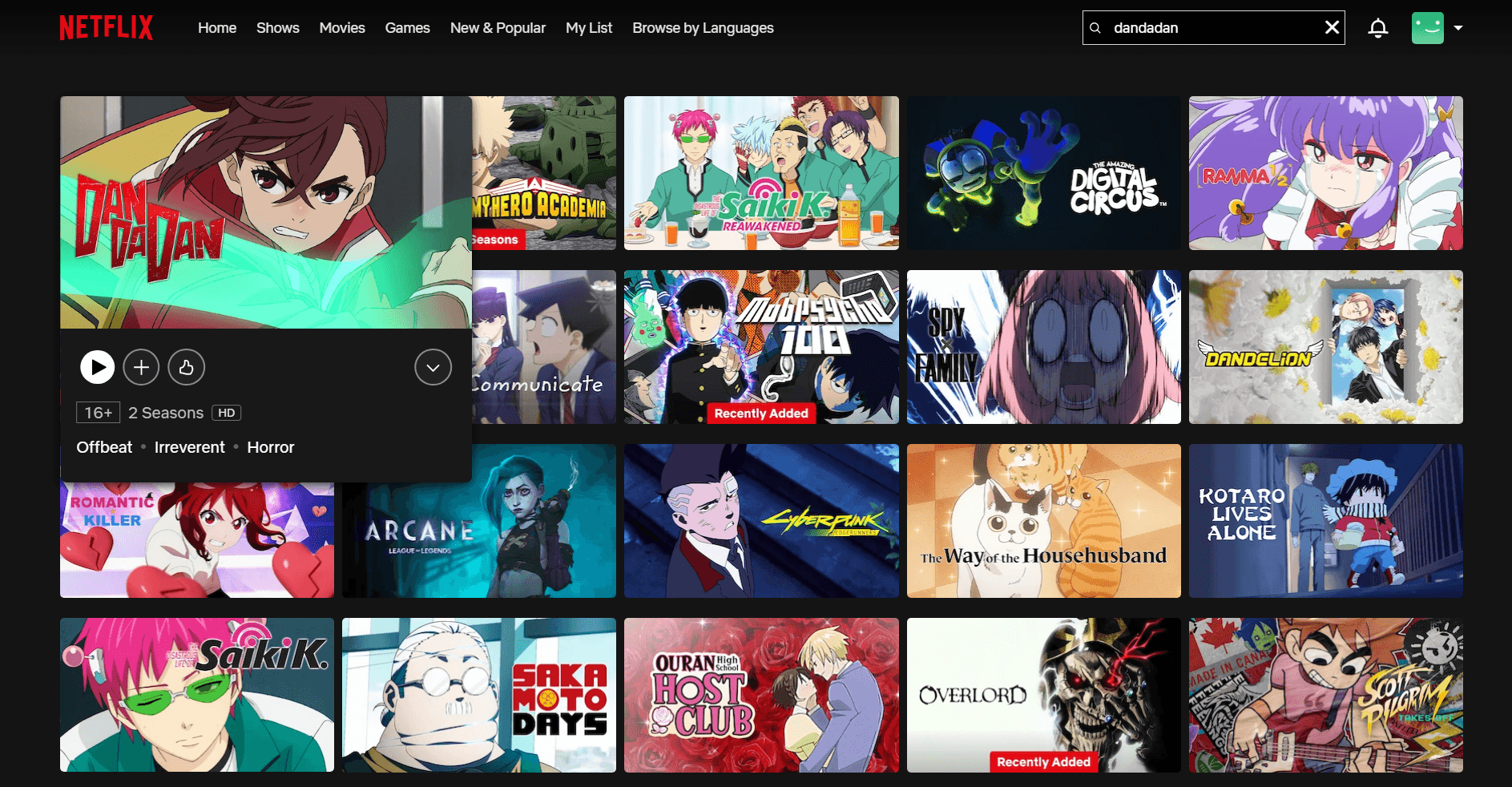
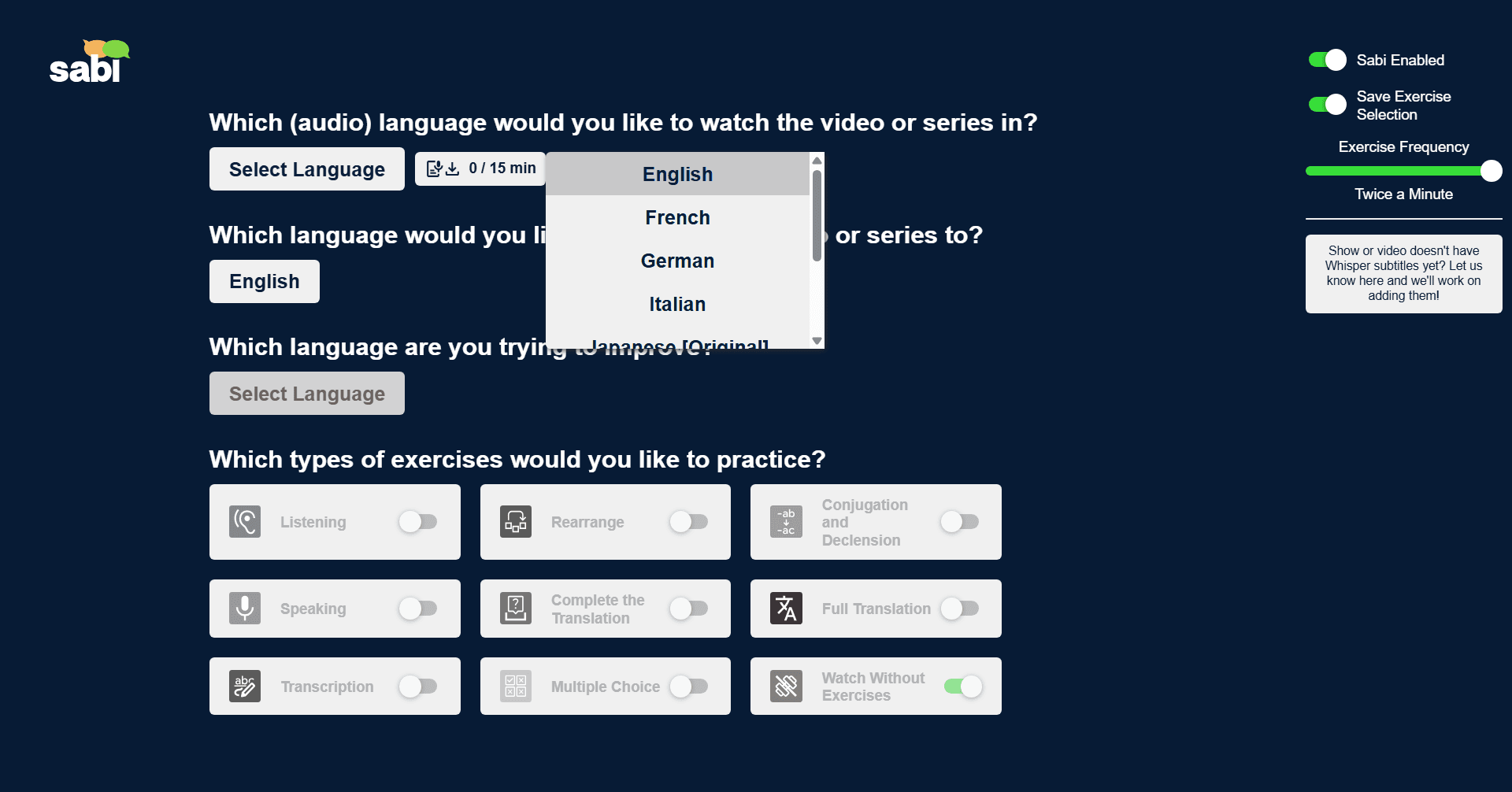
3. Load Whisper subtitles: On the Sabi startup screen, click the Whisper button next to the audio language and choose Japanese. Languages that already have Whisper subtitles are marked with an icon. Loading takes a few minutes, depending on the length of the video. The daily limit for AI subtitles is 30 minutes on the free trial and 120 minutes on a paid plan, and a video has to be shorter than the time you have left that day.
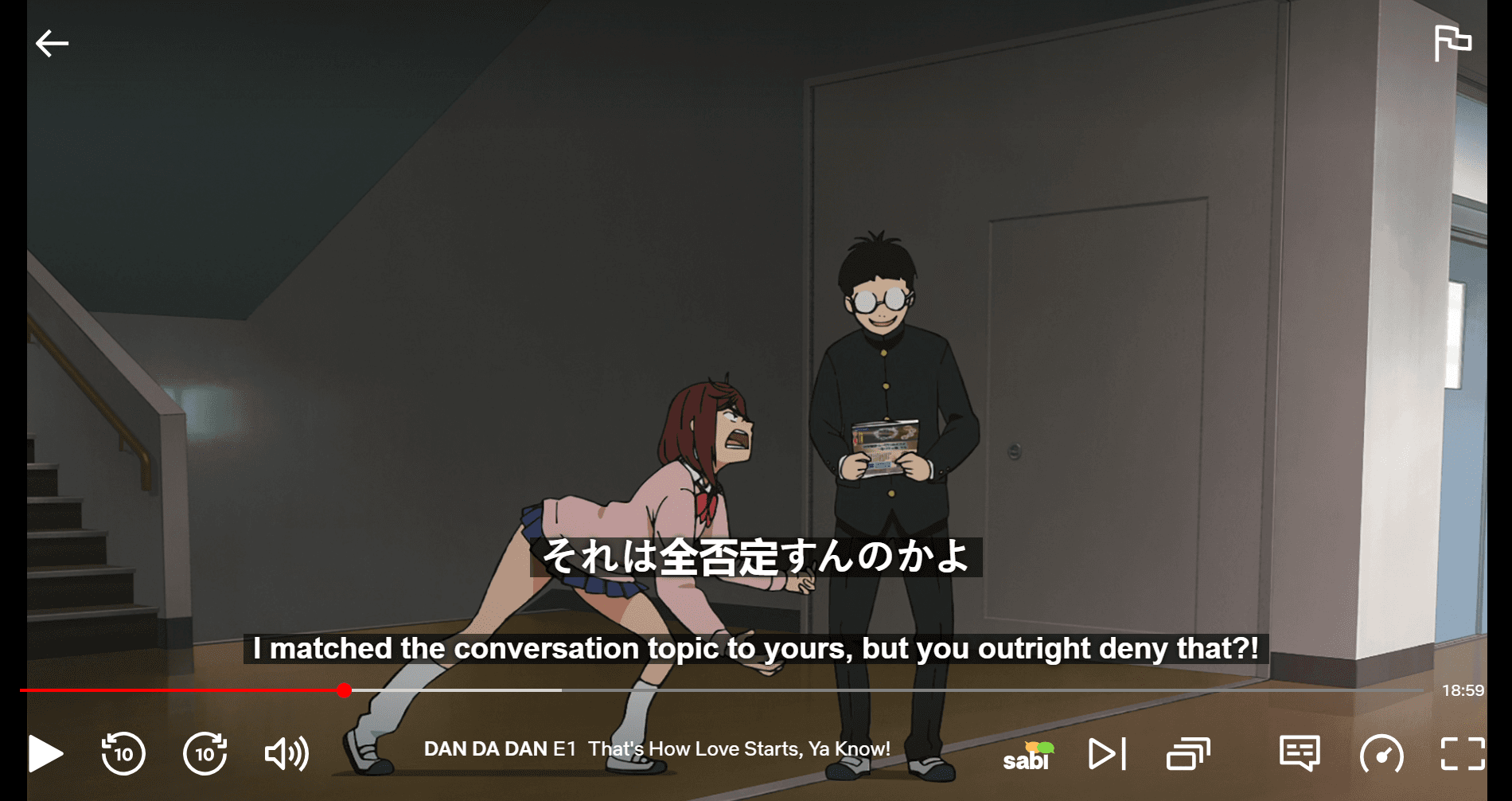
4. Watch with Japanese subtitles: Pick your translation language to see it below the Japanese. The translation line comes from the subtitles Netflix already has for that title.
5. Hover over words you don't know: Sabi shows the reading in furigana and romaji along with the translation, so you can look up kanji without leaving the show.

📱 What About Other Platforms?
The same problem comes up on other services. Here's where Sabi can create Japanese subtitles from the audio:
Platform | AI Japanese subtitles with Sabi? |
|---|---|
Netflix | ✅ |
Disney+ | ✅ |
YouTube | ✅ |
Rakuten Viki | ✅ |
Prime Video | ❌ |
Crunchyroll | ❌ |
Sabi works on Prime Video too, but only with the subtitles Prime Video already has. Sabi doesn't work on Crunchyroll.
🛠️ Other Ways to Get Japanese Subtitles
You can also find Japanese subtitle files yourself on sites like Jimaku or kitsunekko and load them over the video with a tool called asbplayer.
This can work well for popular anime, but there may be no file for the show you want, and you may need to adjust the timing so the subtitles line up with the video.
💡 How to Learn More From Japanese Subtitles
— Start with slice-of-life shows: Everyday conversations are easier to follow than fantasy or action. See the best anime on Netflix for learning Japanese.
— Read the Japanese first: Only check the translation when you get stuck.
— Use "Pause After Every Subtitle": This gives you time to read kanji before the next line starts.

If you're watching a dub, the subtitles can be very different from the audio. Here's why anime subtitles don't match the dub.
❓ Frequently Asked Questions
Why are there no Japanese subtitles on Netflix?
Netflix doesn't offer every language on every title. What's available depends on the title, your location, your profile's language settings and your device. If a title has Japanese audio, you can create Japanese subtitles from that audio with Sabi.
Can I get Japanese subtitles on Netflix anime?
Yes, if the anime has Japanese audio. Check Netflix's own subtitle menu first. If Japanese isn't listed, Sabi can create the subtitles from the audio with Whisper AI.
Are AI-generated Japanese subtitles accurate?
Whisper is good at transcribing speech, but it can still make mistakes, especially with names, overlapping dialogue or background noise. Check anything that looks wrong against the audio.
Can I see Japanese and English subtitles at the same time?
Yes, on a computer, if the title has subtitles in that language. Netflix shows one subtitle language at a time, but Sabi can show both. See how to get dual subtitles on Netflix.
Can I get Japanese subtitles on Crunchyroll or Prime Video with Sabi?
Not with AI subtitles. Sabi doesn't work on Crunchyroll, and it can only use the subtitles Prime Video already has.
How much does it cost?
Sabi has a 7-day free trial with no payment details required, and paid plans start at €1,84 per month. You'll also need a subscription to the streaming service.