Why Netflix & Disney+ Subtitles Don't Match (How to Fix)
Last Updated:
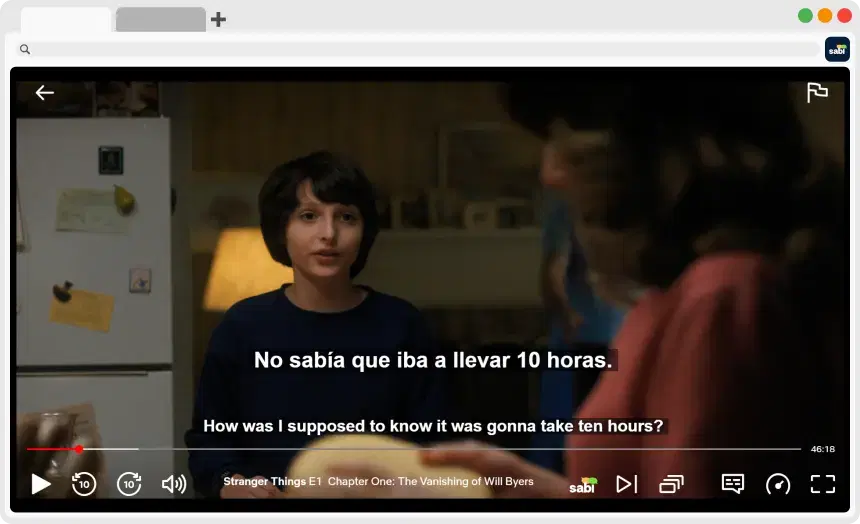
If you’ve ever watched a show on Netflix or Disney+ with both dubbing and subtitles enabled, you’ve likely noticed that they rarely match perfectly. This discrepancy can be annoying and disorienting when watching, as it takes you out of the experience. But why would the spoken dialogue and the written text tell two different versions of the same story?
In this article, we'll break down exactly why Netflix and Disney+ subtitles don't match the audio, as well as provide a step-by-step solution to fix it.
🎞️ Why Don't Netflix and Disney+ Subtitles Match the Dubbed Audio?
The short answer is that dubs and subtitles are created by two completely different teams, for two completely different purposes.
Translation Subtitles
Standard subtitles are usually translated directly from the original script. Their goal is to:
— Stay as close as possible to the original meaning
— Preserve nuance and tone
— Be readable within time and space constraints
Because of this, subtitles tend to be more literal and faithful to the original dialogue.
Dubbing Scripts
Dubbing is a completely different process. When a show is dubbed, translators must adapt the script so that:
— It matches the actor's lip movements
— It fits the timing of the scene
— It sounds natural when spoken aloud
This often requires:
— Changing word order
— Rewriting phrases
— Using completely different expressions
For example, a short phrase in one language might need to become longer (or shorter) to match mouth movements.
The Result
Because subtitles and dubbing are created independently:
— Subtitles = accurate translation of the original
— Dubbed audio = adapted version for speech and timing
That's why they often don't match, even though they're based on the same scene.
🔤 The Problem with Native Streaming Settings (CC vs. Subtitles)
Another major issue comes from how Netflix and Disney+ handle subtitles. The two main types are:
— Standard Subtitles: Translations of the original script
— Closed Captions (CC): Exact transcriptions of the audio
The problem is that these platforms usually only provide closed captions for the original language of the show.
For example, let's say a show is originally in English and you switch the audio to Spanish. In this case:
— The Spanish subtitles are usually a translation of the original English script
— The Spanish dub audio is a rewritten version for lip-sync
Thus, the subtitles aren't going to match what you hear, and the audio won't match what you read.
Though newer shows are starting to include CC for multiple languages, it's still not very common, especially for older shows.
🎯 How to Get Exact Matching Subtitles (3 Methods)
If the CC track isn't available, you have three options to improve your experience.
Option 1: The "DIY" Manual Method (Free)
If you are tech-savvy and don't mind extra work, you can use asbplayer. This is an open-source tool that allows you to overlay your own subtitle files (.srt) onto streaming sites.
— Pros: Totally free
— Cons: You must find the subtitle files yourself on databases like OpenSubtitles or Jimaku.cc, or generate them using AI models like Whisper
Option 2: Browser Extensions for Specific Platforms
There are several "Language Learning with Netflix" style extensions. These are easier than the manual method but often limited in where they work:
— Language Reactor: Provides ASR (Automatic Speech Recognition) subtitles for Netflix under their Pro plan, but many users report frequent server errors and persistent bugs
— Migaku / Trancy: Available only for YouTube
Option 3: The Automatic Solution for Multiple Platforms (Sabi)
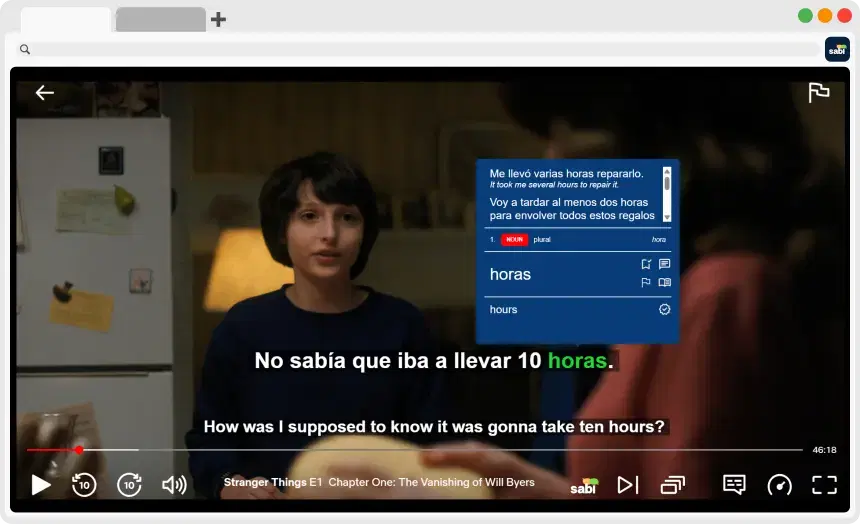
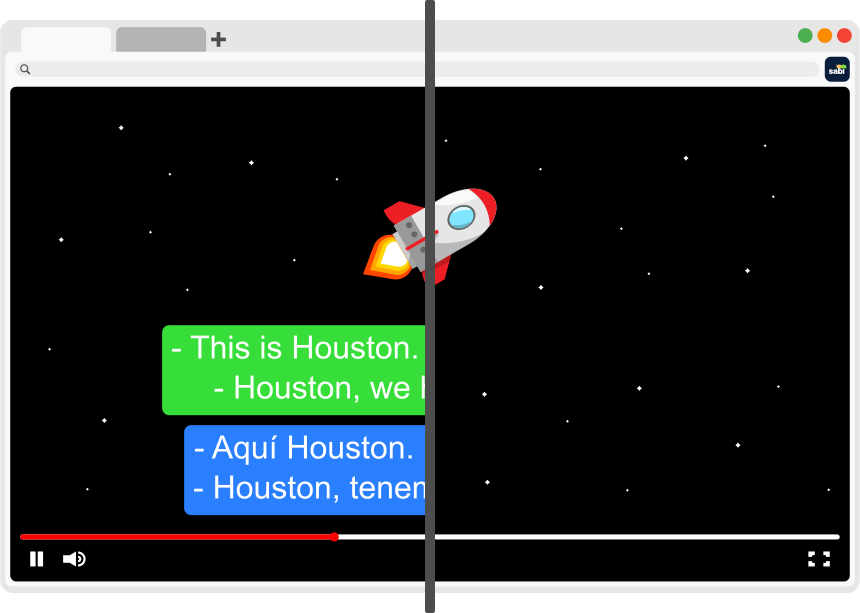
If you want matching subtitles on Netflix, Disney+, YouTube, and Viki without hunting for files, Sabi is the most comprehensive solution with its AI-powered subtitle generation. Instead of relying on the pre-loaded subtitle files, Sabi can generate subtitles based on the actual audio track.
That means:
— The subtitles reflect what you actually hear, not what was originally written
— They stay aligned with dubbed dialogue
📖 Step-by-Step Guide: Making Your Subtitles Match with Sabi
Step 1: Download the Chrome Extension
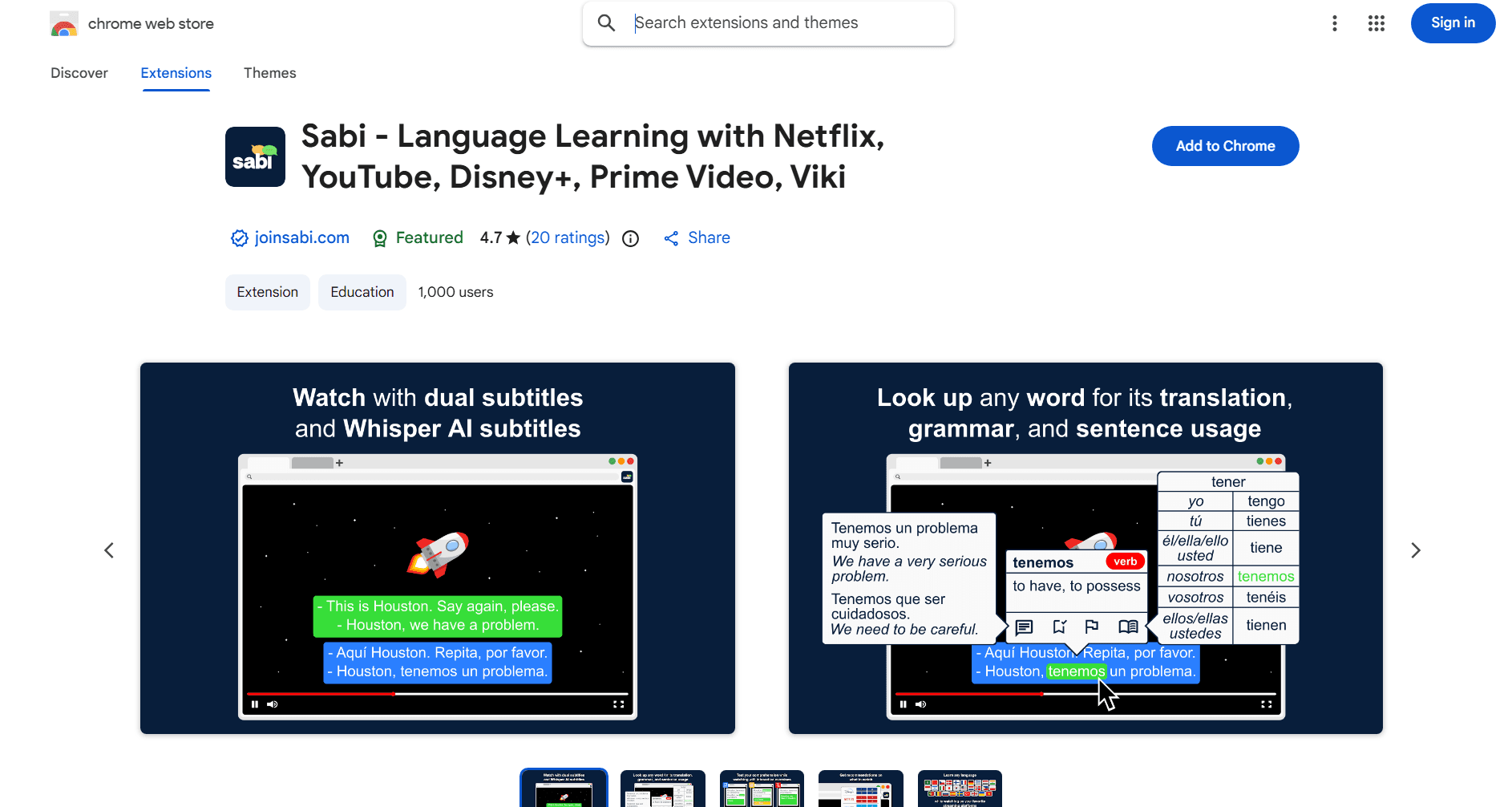
Install Sabi from the Chrome Web Store.
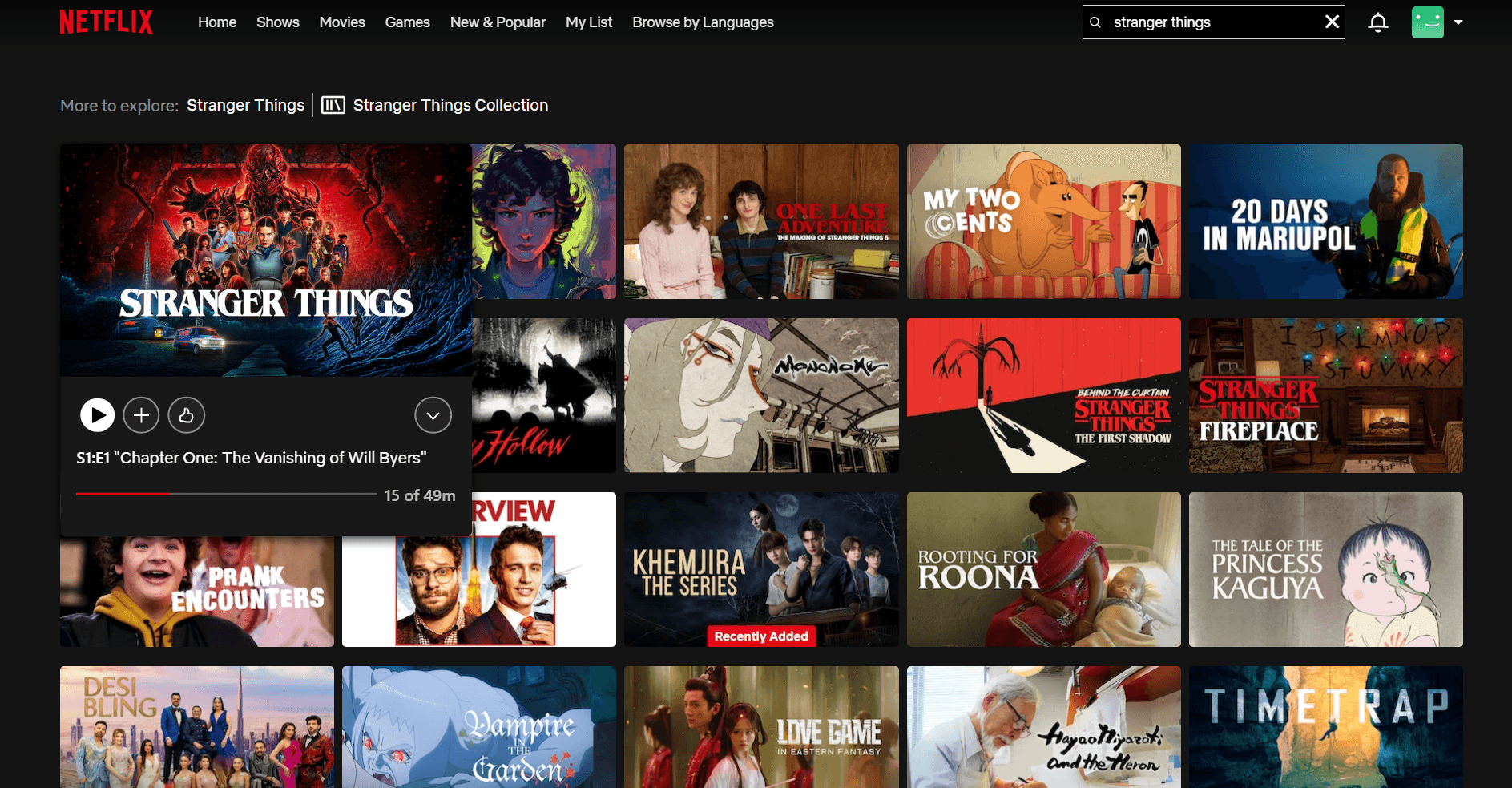
Step 2: Open Netflix, Disney+, Viki, or YouTube
Pick any show or movie you want to watch.
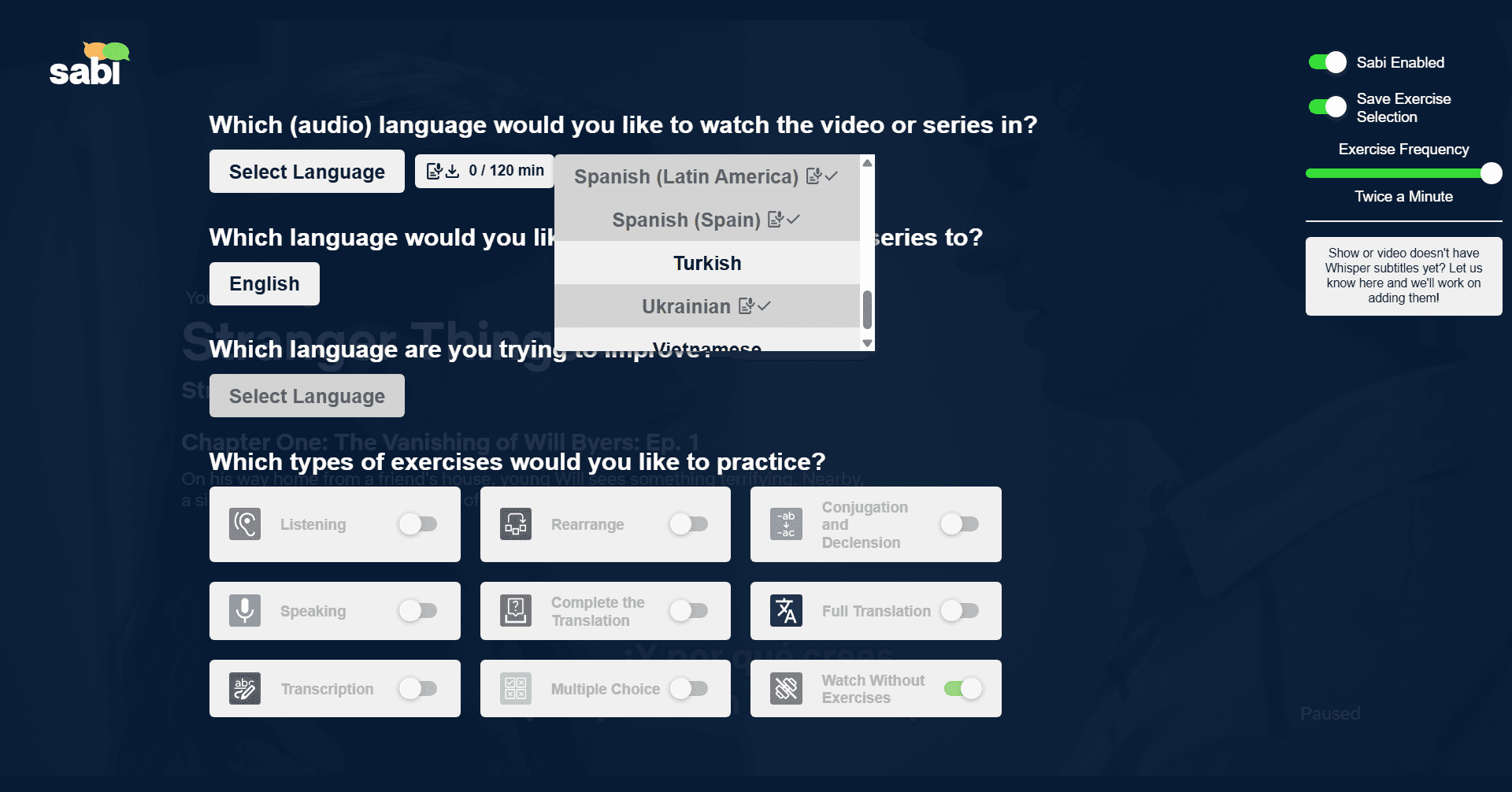
Step 3: Select Your Language
On the Sabi settings screen, choose which dubbed audio language you want AI subtitles for.
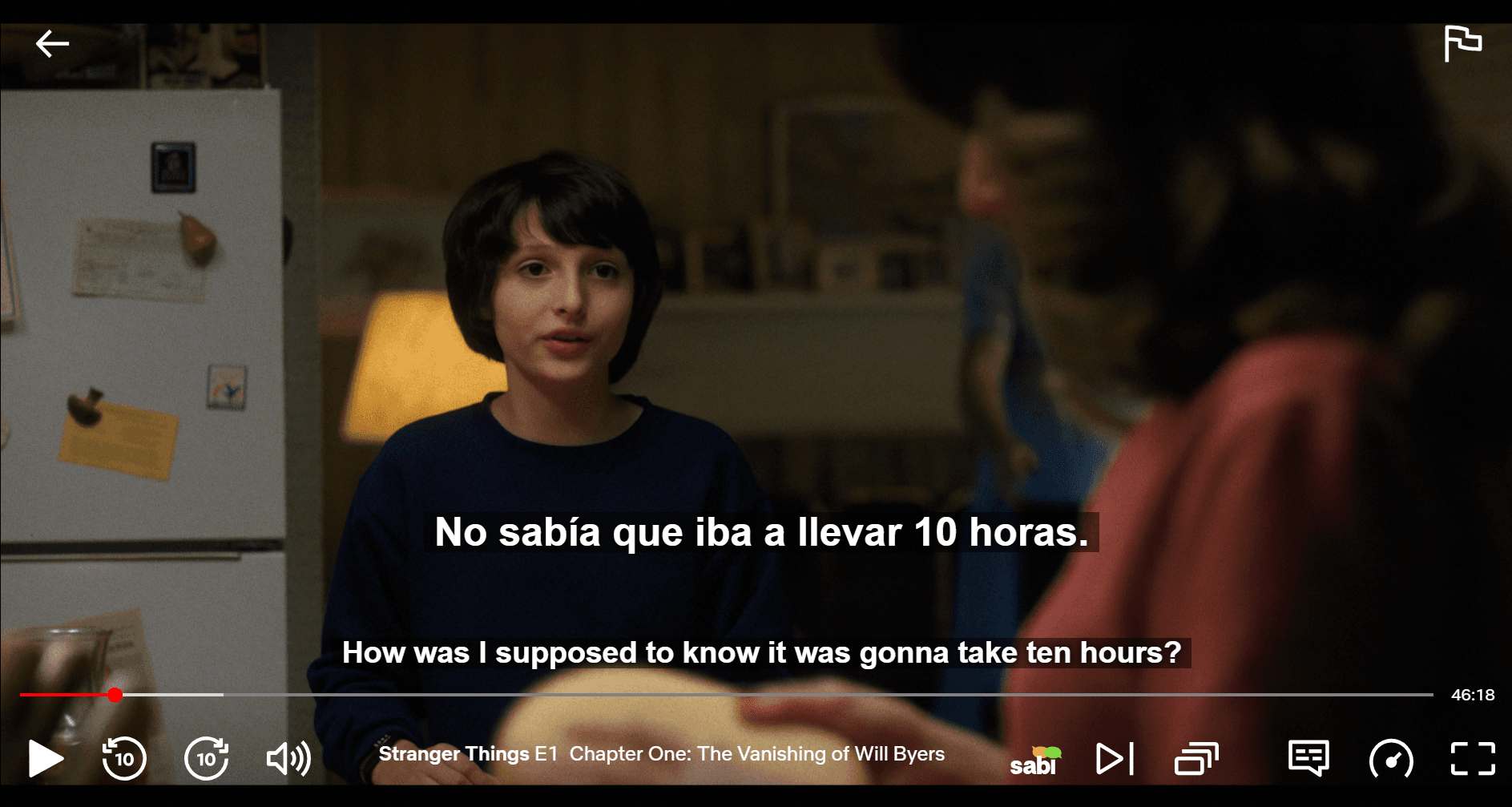
Step 4: Enjoy Matching Subtitles
Watch with subtitles that actually match what's being said.
❓ Who Is This Feature For?
1. Viewers with Hearing or Processing Needs
If you rely on subtitles to fully understand dialogue, mismatched text can be frustrating. Having accurate subtitles makes content not only more enjoyable, but also more accessible.
2. Anime & Dub Fans
If you prefer dubbed content:
— You no longer have to choose between dub audio and accurate subtitles
— You can enjoy both at the same time
3. Language Learners
Matching subtitles and audio is essential for techniques like shadowing, where you repeat what you hear to improve:
— Pronunciation
— Listening comprehension
— Sentence structure
If subtitles don't match, shadowing becomes unreliable.
❓ Frequently Asked Questions
Why don't Netflix subtitles match the audio?
When you switch the audio to a dubbed language, Netflix usually shows subtitles that were translated from the original script, not a transcript of the dub. Subtitles and dubbing are made by different teams for different purposes, so the wording diverges. Netflix only provides closed captions that match the audio for a show's original language.
How do I make Netflix subtitles match the dubbed audio?
If a matching closed-caption track isn't available, use the Sabi browser extension. It generates subtitles from the actual audio with Whisper AI, so the text stays aligned with the dubbed dialogue on Netflix, Disney+, YouTube, Prime Video, and Rakuten Viki.
Are Netflix subtitles accurate?
Netflix's subtitles are an accurate translation of the original dialogue. They aren't a transcript of a dub, so they can look "wrong" when you watch with dubbed audio even though both are correct versions of the same scene.
How do I fix Netflix subtitles that are out of sync?
For subtitles that are timed wrong, reload the episode, switch the subtitle track off and on, or clear your browser cache. If the subtitles have the right timing but the wrong words because you're watching a dub, that's a translation mismatch, not a sync problem, and AI subtitles from a tool like Sabi are the fix.
🚀 Final Thoughts
Netflix and Disney+ subtitles don't match the audio because:
— Subtitles and dubbed audio are created separately
— They serve different purposes
— Netflix and Disney+ don't provide matching captions for most dubbed languages
While this is a limitation of the platforms, it's no longer something you have to accept. With tools like Sabi, you can generate subtitles that actually match what you hear, making your viewing experience smoother, clearer, and far more useful.
Ready to put it to use? See our full guides to learning a language with Netflix and getting dual subtitles on Disney+.