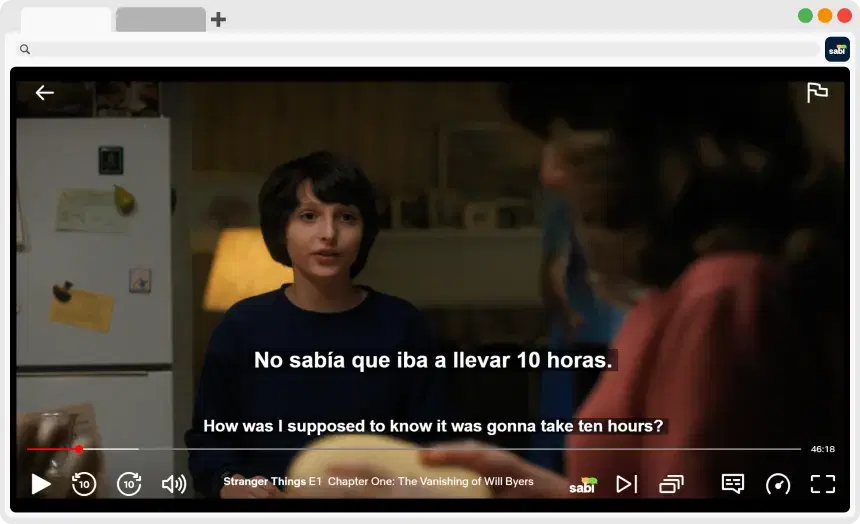
How to Learn English With Netflix
💡 Quick answer: Yes, you can improve your English with Netflix if you watch actively. Choose a show in English, keep English subtitles on, look up new words as you hear them and replay the lines you missed. Here's how to set that up on your computer:
1. Install the Sabi Chrome Extension.
2. Open Netflix in your browser and play a show in English.
3. On the Sabi startup screen, choose English as the audio language and your own language as the translation.
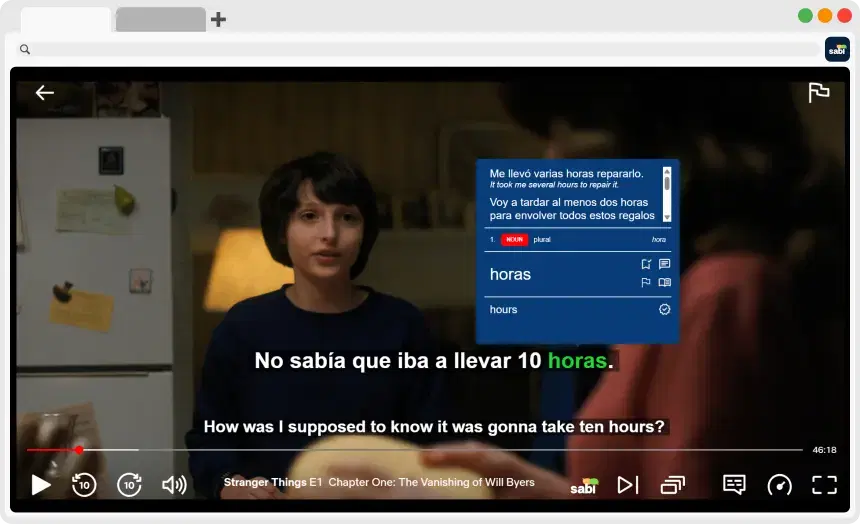
4. Hover over any word you don't know to see its translation.
❓ Can You Really Learn English With Netflix?
Yes, but watching alone isn't enough. Netflix is great for listening practice and for hearing how people really talk, including slang, contractions and fast speech that textbooks often leave out.
The problem is that it's easy to follow a show through the pictures and the subtitles in your own language without noticing the English. You improve much faster when you pay attention to the words: reading them, looking them up and hearing them again. For the research on this, see our guide to learning a language with subtitles.
📺 How to Set Up Netflix to Learn English
Netflix lets you choose English audio and one subtitle language, but it doesn't translate words or show two languages at once. A browser extension adds both. These steps use Sabi, which works in Chrome, Edge, Brave and Opera on your computer.
1. Install Sabi: Add the extension from the Chrome Web Store and pin it to your toolbar.
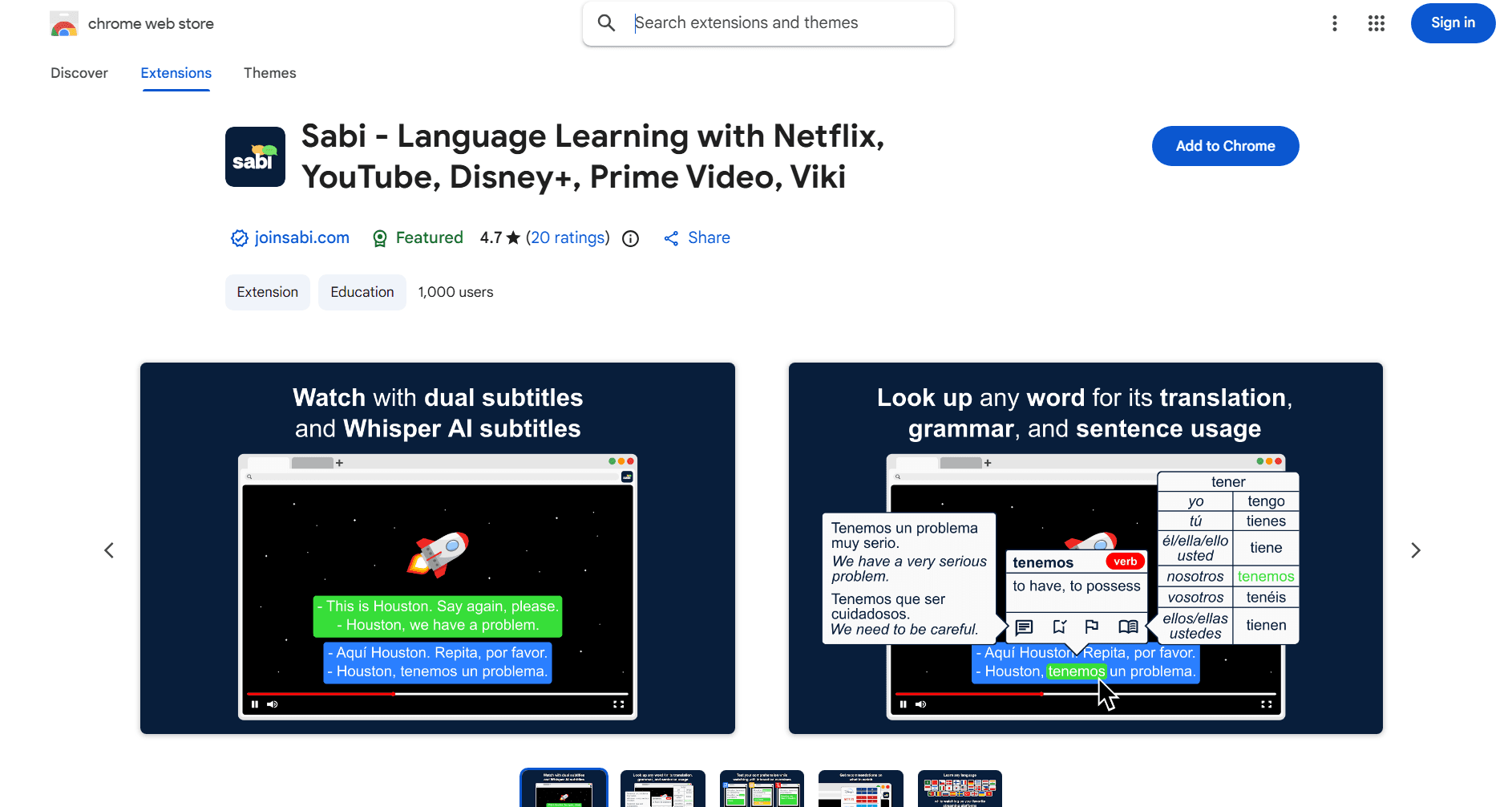
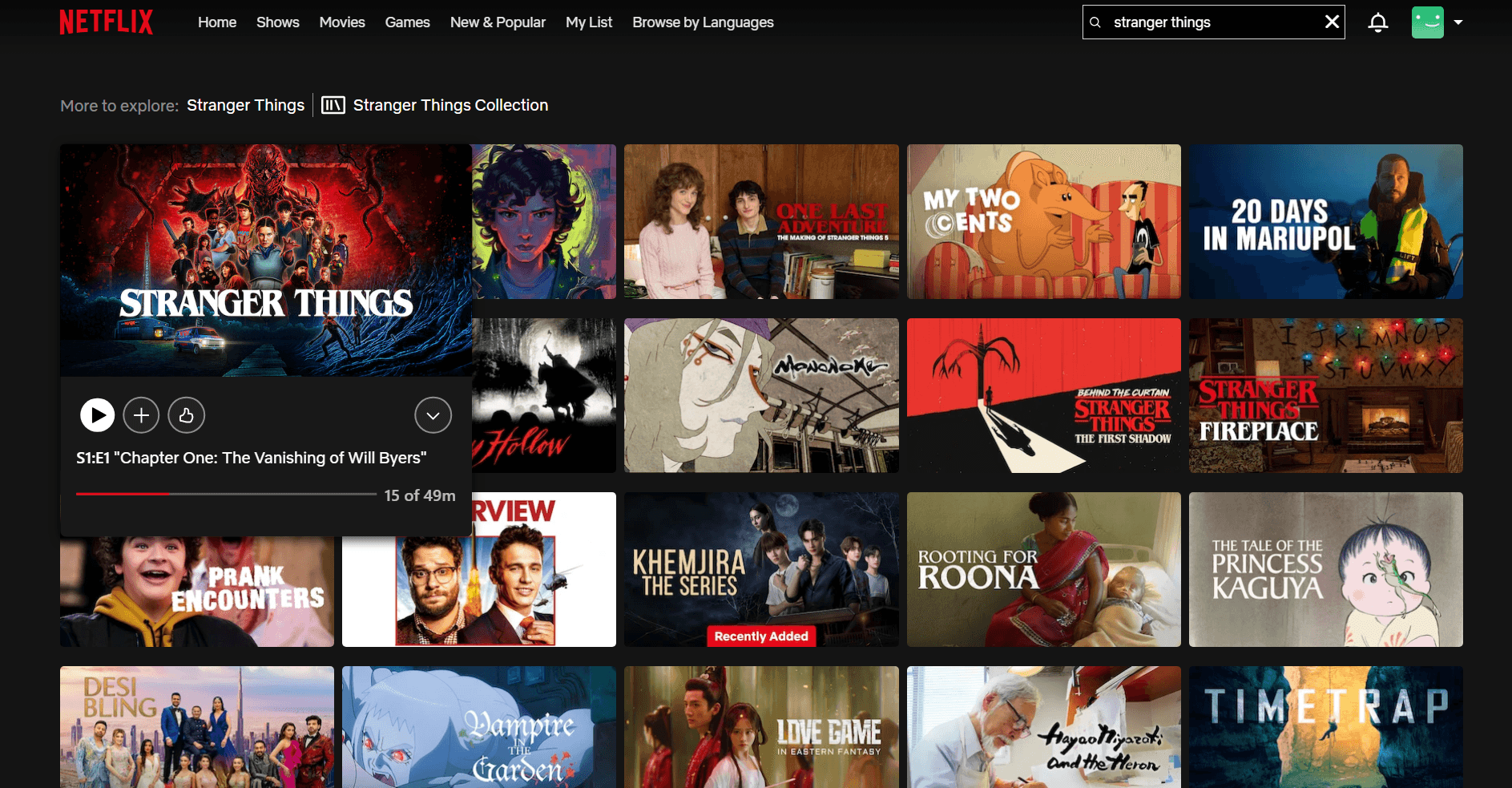
2. Open Netflix in your browser: Go to netflix.com and play a show or movie that has English audio.
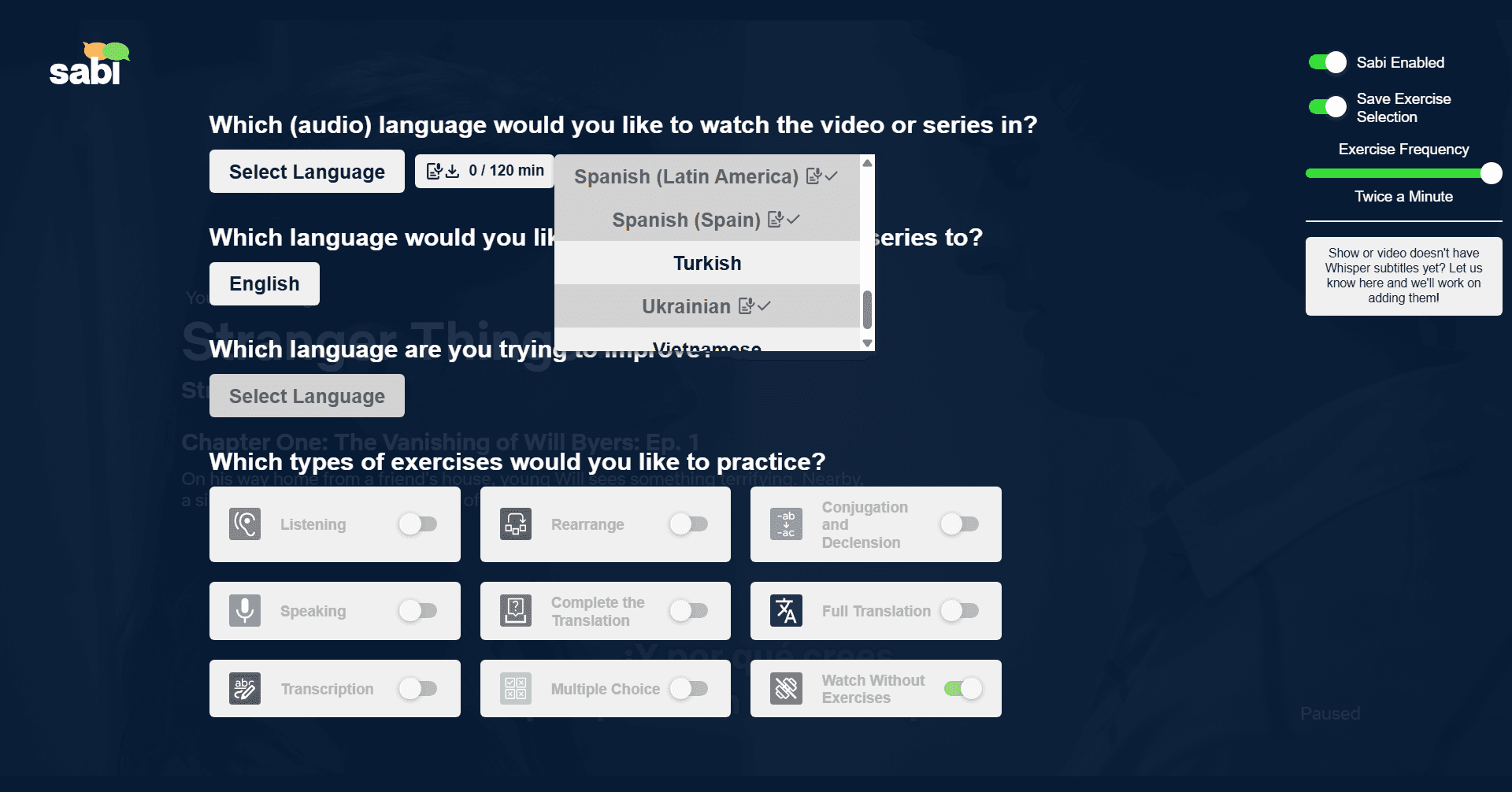
3. Choose your languages: On the Sabi startup screen, choose English as the audio language and your own language as the translation.
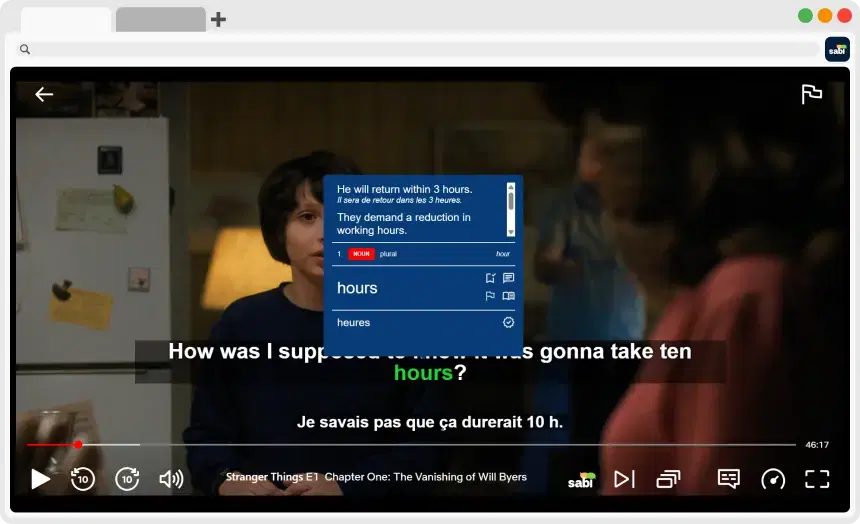
4. Watch with English and your own language: Both subtitle lines appear on screen, so you can read the English and check the meaning. See our full guide to dual subtitles on Netflix.

5. Hover over words you don't know: Sabi shows the translation in your language, the grammar and example sentences in English.

6. Practice what you just heard: Short exercises test your listening, and you can replay a line at a slower speed. You can also choose to watch without exercises.

🎯 Which Subtitles Should You Use at Your Level?
The right setup depends on how much you can already understand. Move to the next level when the current one starts to feel easy.
Your level | Audio | Subtitles |
|---|---|---|
Beginner | English | English and your language |
Intermediate | English | English |
Advanced | English | None |
Not ready for English audio yet? Start with a show you already know well. You'll remember what happens, so you can focus on the language.
In Sabi's Subtitle Settings, "Audio Subtitles" is the English line and "Translation Subtitles" is your language. If you're moving away from translations, try "Blur Translation Subtitles" so you read the English first.
🗓️ A Simple Daily Routine
You don't need hours. A focused 20 to 30 minutes a day works better than a long session once a week.
1. Watch one scene or a short part of an episode: Follow the story first, and don't stop for every word.
2. Watch it again more slowly: Turn on "Pause After Every Subtitle" so the video stops after each line.

3. Look up the words you keep hearing: Words that come up again and again are the most useful ones to learn.
4. Repeat lines out loud: Copy the rhythm and pronunciation. This is called shadowing, and it's good practice for speaking.
📚 What to Watch
The best show is one you'll actually keep watching, but the type of show makes a big difference:
— Sitcoms: Short episodes, everyday conversation and plenty of repeated phrases make these a good place to start.
— Animation and family shows: The speech is usually clear, and the pictures help you follow along.
— Reality shows and documentaries: These are good for natural speech and for topics you already care about.
— Crime, legal and medical dramas: Save these for later, because they're full of fast dialogue and specialist words.
To find more shows, browse Netflix by language at netflix.com/browse/audio.
👉 Explore our full English language learning guide
🛠️ Common Problems and How to Fix Them
— People talk too fast: Use "Pause After Every Subtitle" and replay the line. Fast speech gets easier the more of it you hear.
— You understand the English when you read it, but not when you hear it: Try watching a scene you've already studied with "Blur Audio Subtitles" turned on, then check what you missed.
— The subtitles don't match what people say: Netflix subtitles are often shortened, and subtitles for dubbed shows can be very different from the audio. Here's why. Sabi's Whisper AI subtitles are created from the audio, so they follow what's actually said.
— American, British and other accents sound different: Stay with one accent at first, then try others once it feels comfortable. Our post on accents and slang has more on this.
❓ Frequently Asked Questions
Is there an extension for learning English on Netflix?
Yes. Sabi is a browser extension that adds dual subtitles, word translations and exercises to Netflix. It also works on YouTube, Disney+, Prime Video and Rakuten Viki.
Should I watch Netflix with English subtitles or subtitles in my language?
Use English subtitles as soon as you can, because they connect the words you hear with the words you see. If that's too hard, use dual subtitles so you can see both languages. Subtitles in your language alone give you the least English practice.
Can you become fluent in English just by watching Netflix?
Not on its own. Netflix builds your listening and vocabulary, but you also need to practice speaking and writing to become fluent.
How long should I watch Netflix each day to learn English?
Even 20 to 30 minutes a day helps if you do it regularly and pay attention to the language.
Can I use Sabi on my phone or TV?
Not directly, because browser extensions need a computer. To watch on a bigger screen, connect your laptop to the TV with an HDMI cable and run Netflix in your browser.
How much does it cost to learn English with Netflix?
You'll need a Netflix subscription. Sabi has a 7-day free trial with no payment details required, and paid plans start at €1,84 per month.