Language Learning with Viki Guide (2026)
Last Updated:
Rakuten Viki is a go-to platform for fans of Asian dramas, movies, and variety shows, offering content in Korean, Japanese, Chinese, and more. While most people use Viki for entertainment, it's also an incredible resource for language learning. By combining engaging shows with smart tools, you can turn your binge-watching into an immersive study session. In this article, we'll show how you can transform Viki into a powerful language-learning companion alongside the help of tools like Sabi.
🎥 Why Rakuten Viki Is Great for Language Learning
Unlike many streaming platforms, Viki specializes in international content like Asian dramas. This makes it a goldmine for anyone learning languages like Korean, Japanese, or Chinese. Many of their shows and movies also come pre-loaded with community-subtitled translations. These translations come in multiple different languages, allowing you to learn in the language you feel most comfortable.
Benefits of Learning with Rakuten Viki:
1. Authentic Content: Viki's library includes shows and films created for native audiences, exposing you to real language use, slang, and cultural nuance.
2. Variety of Languages: From K-dramas in Korean to J-dramas in Japanese and C-dramas in Chinese, learners can explore multiple languages in one place.
3. Cultural Context: Understanding gestures, humor, and cultural references helps language stick better than textbook examples.
But to truly learn from what you watch, you need the right tools to help you interact with the language. That's where Sabi comes in.
🚀 How to Use Sabi with Viki to Learn a Language
Sabi is a Chrome extension that helps you learn a language while watching directly on Viki. It turns any video into a guided and interactive lesson while still being entertaining.
Here's how to get started:
1. Install the Sabi Chrome Extension: Sabi integrates seamlessly with Viki. Once it's installed, you'll see the Sabi screen while you watch.
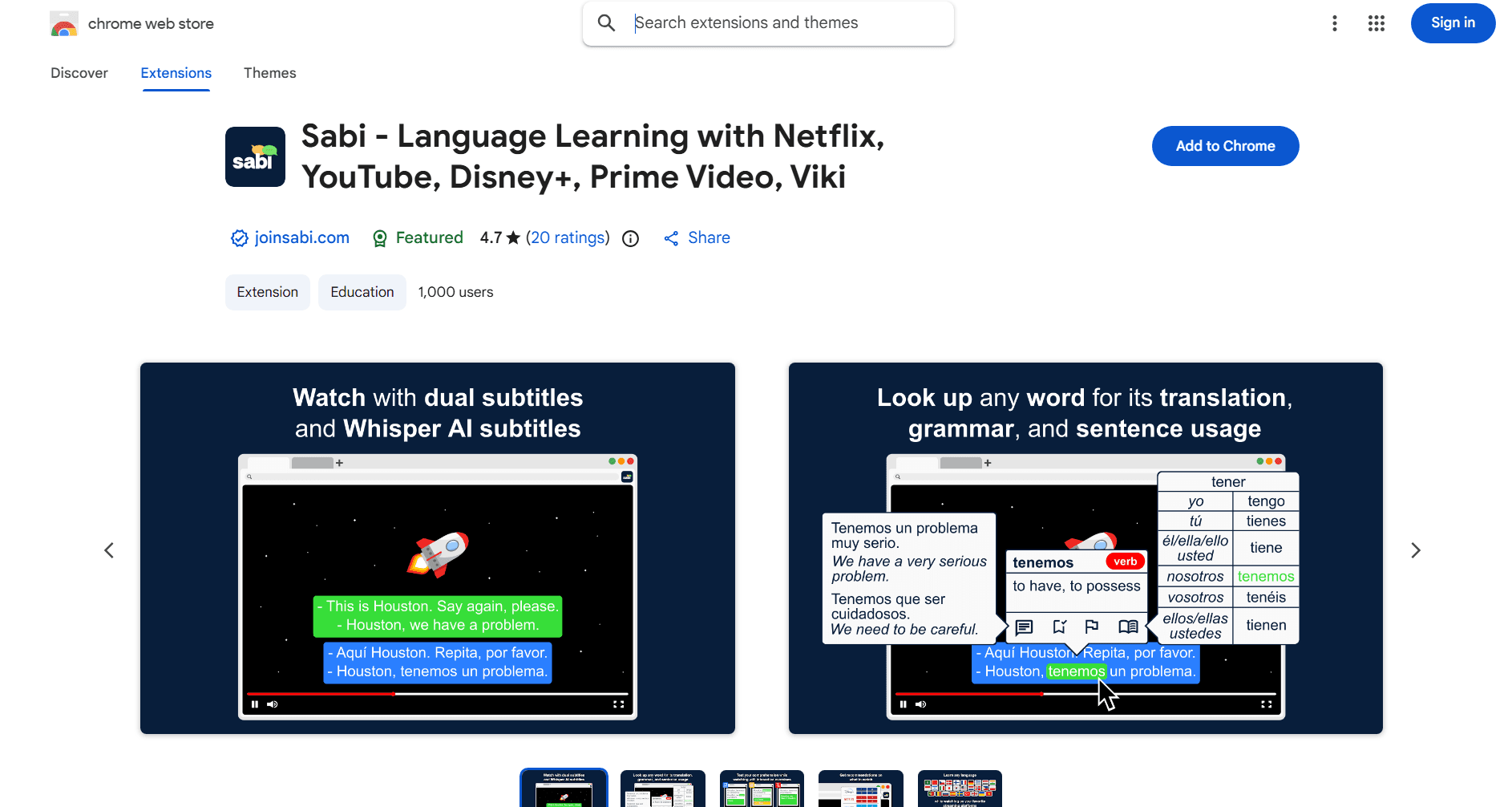
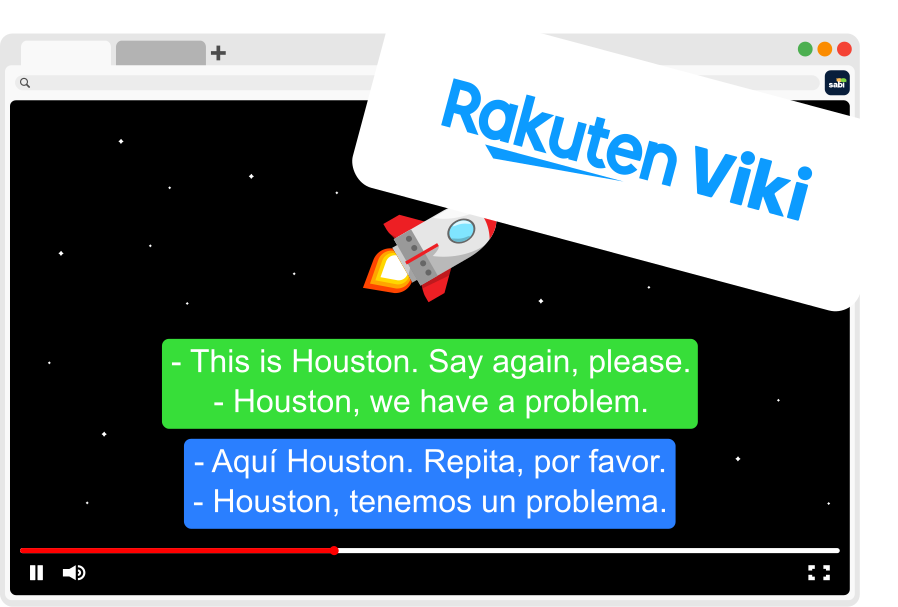
2. Turn On Dual Subtitles: Watch with subtitles in both your target language (e.g. Korean) and your native language at the same time.
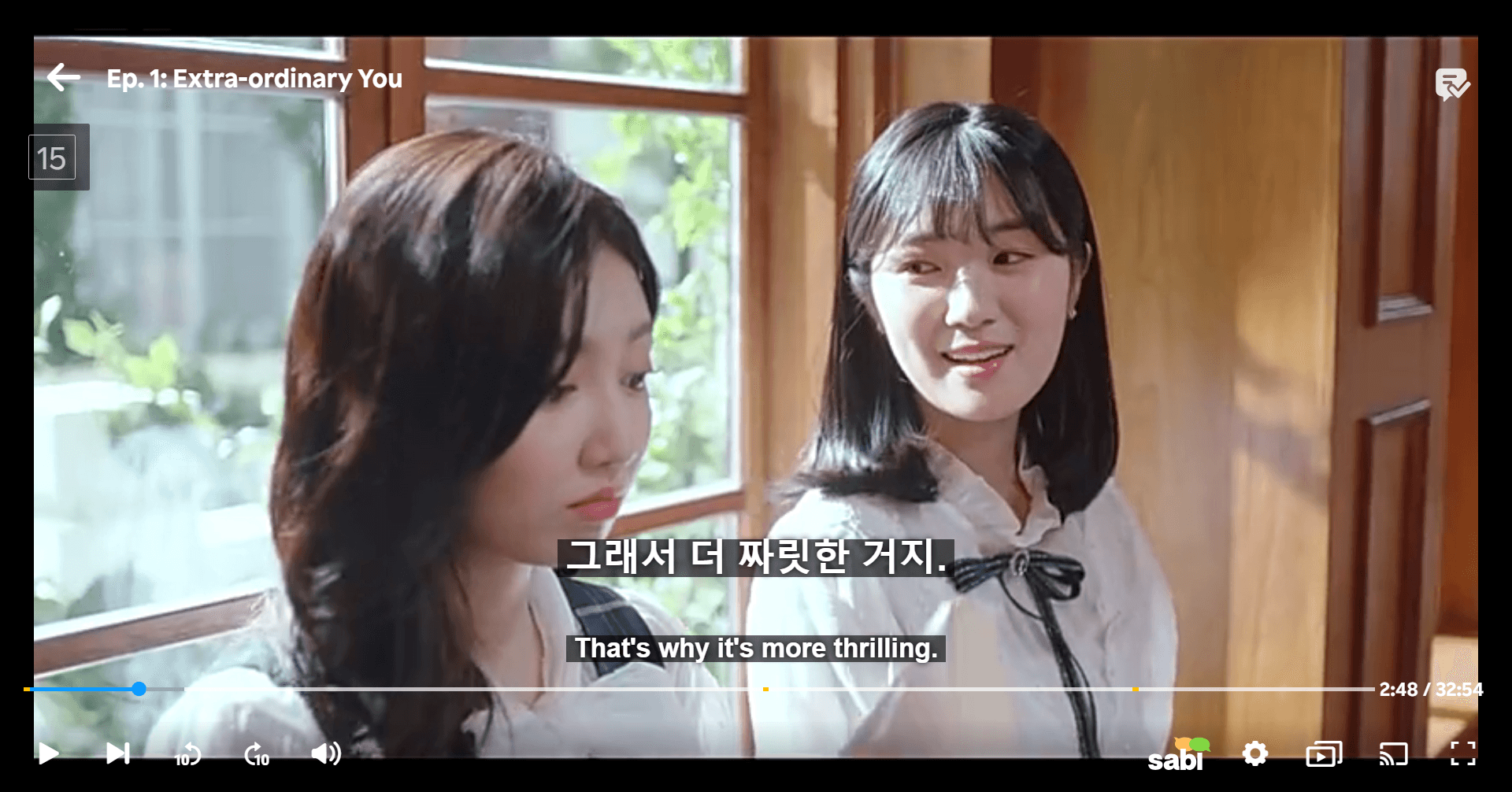
3. Hover Over Words to Learn: Instantly get translations, pronunciations, and grammar insights just by hovering over a word.
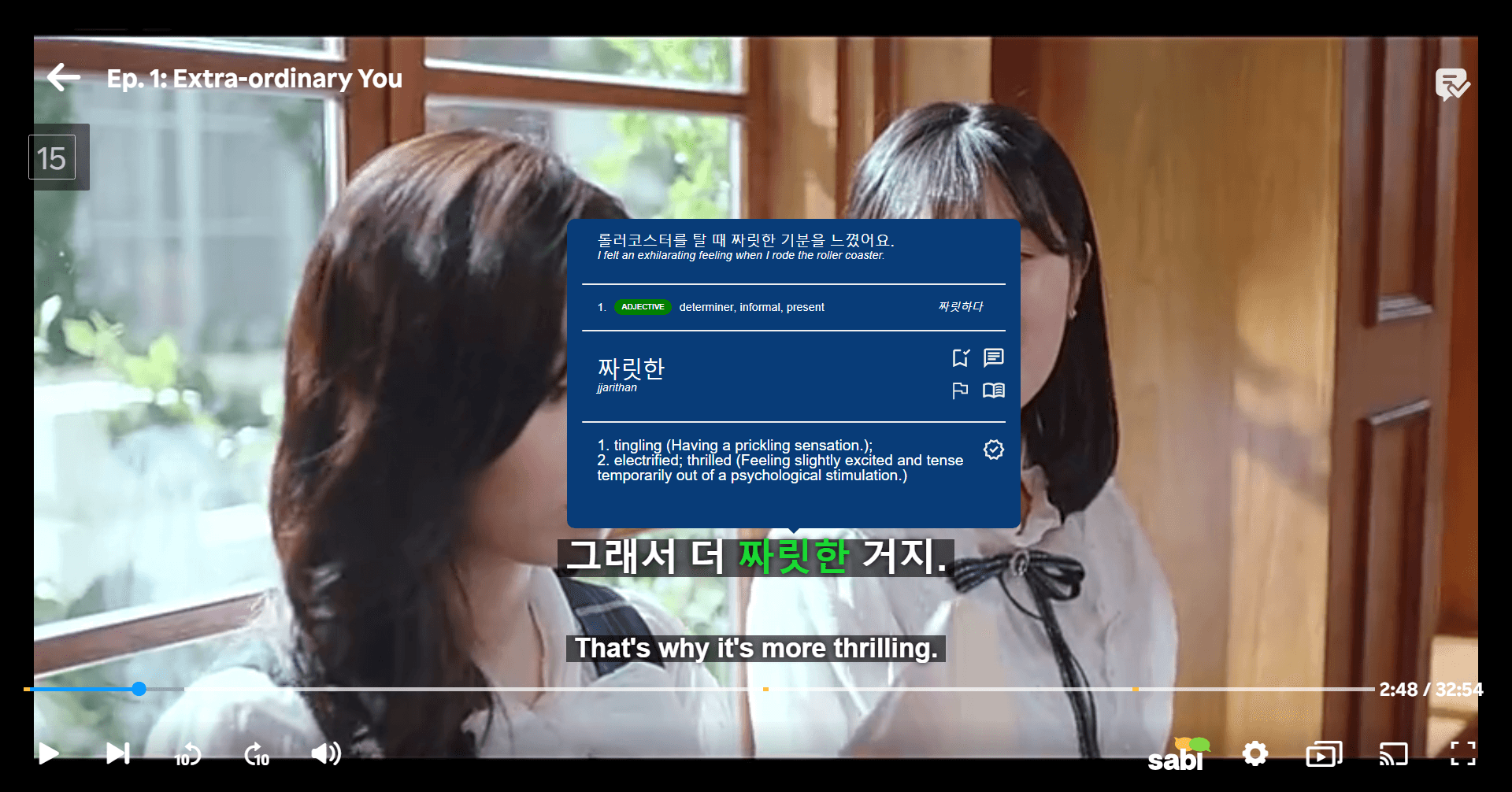
4. Enable Auto-Pause: Subtitles can pause after each line, giving you time to read, listen, and repeat without feeling rushed.
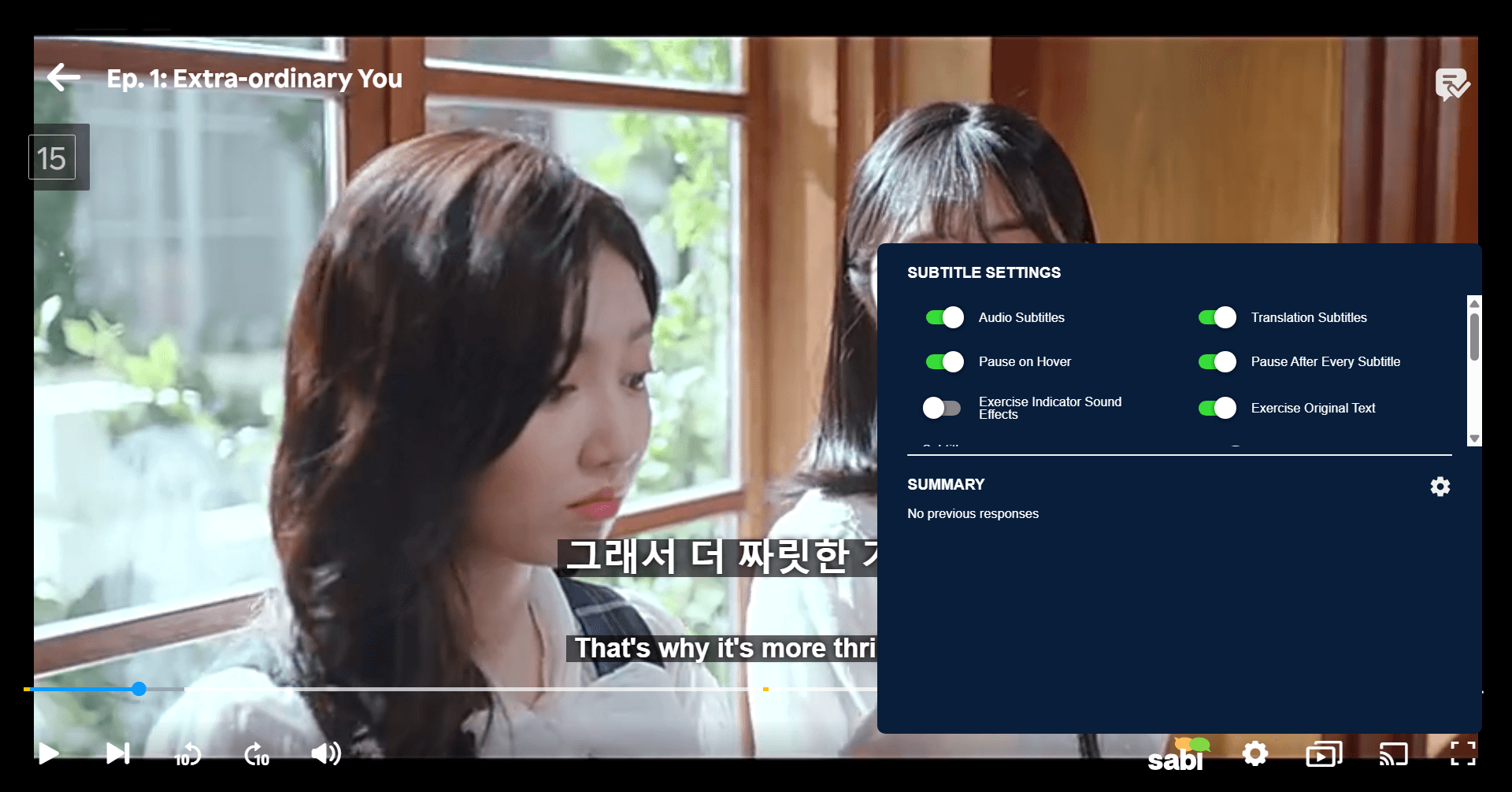
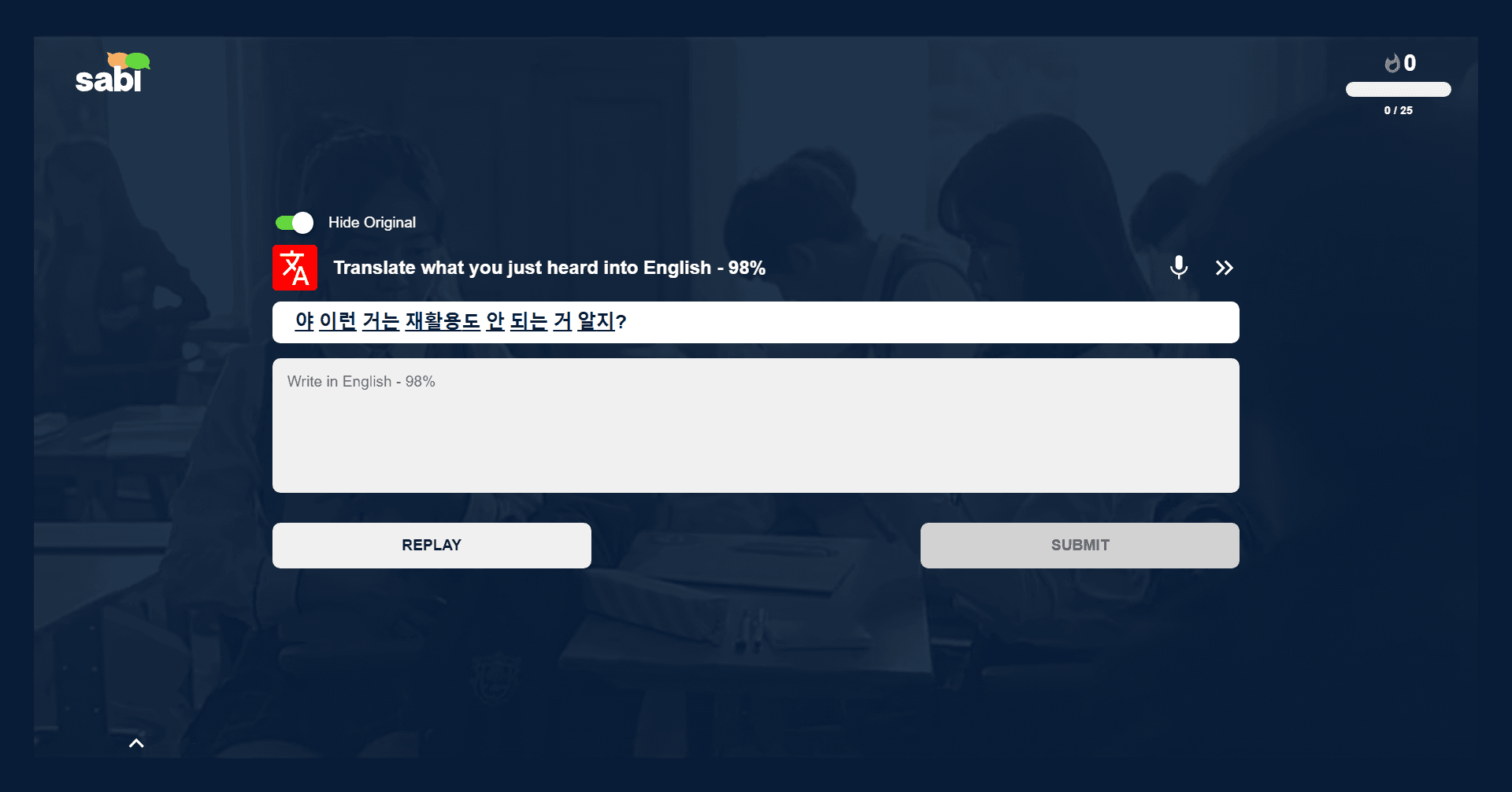
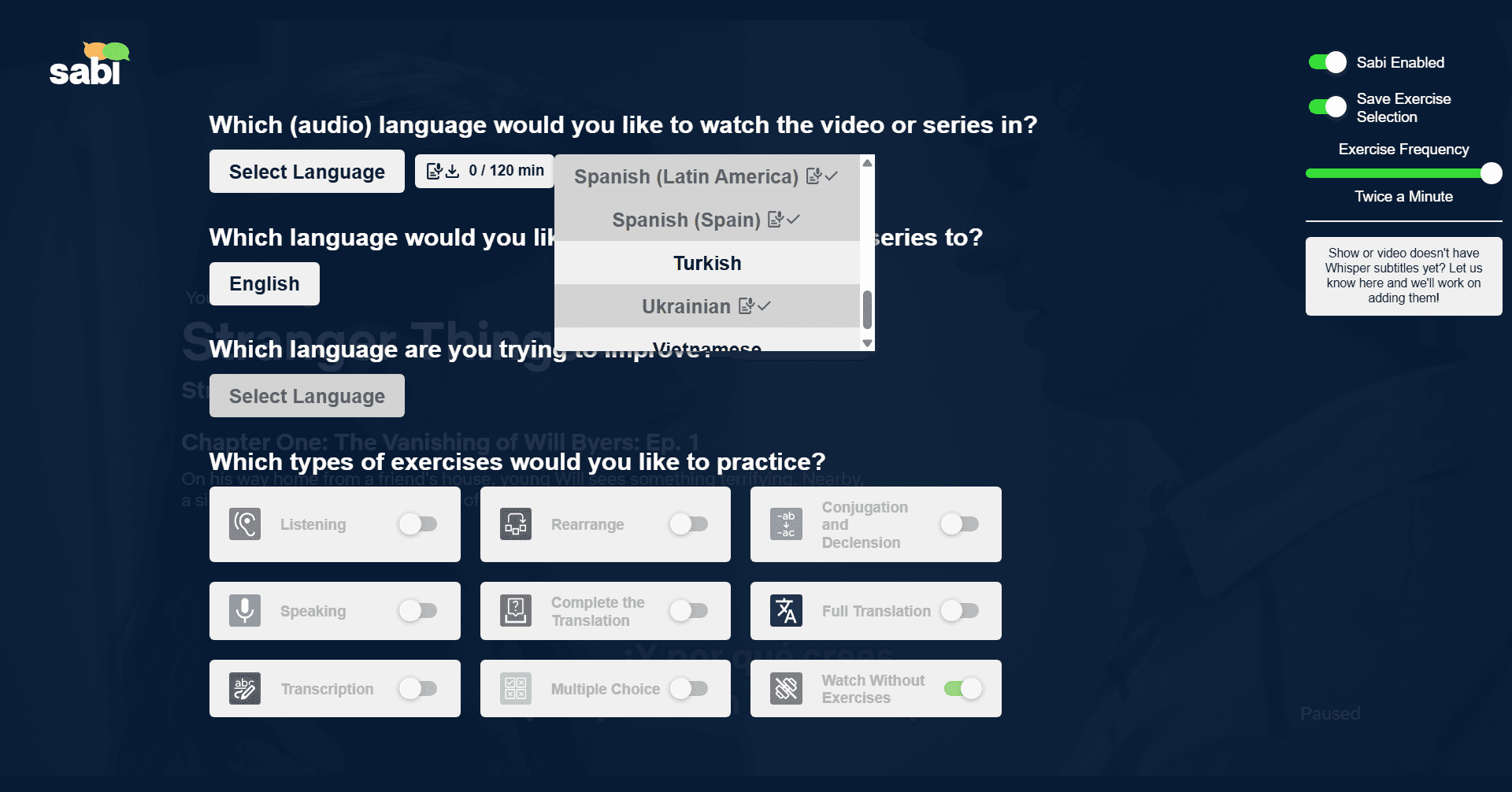
5. Practice With Interactive Exercises: While you're watching, Sabi tests you on what you heard to make sure you're actually understanding what's going on.
6. Whisper AI Subtitles: For videos without subtitles, Sabi can auto-generate accurate captions to make sure you can still follow along.
📺 Example: Learning Korean with K-Dramas
Say you're watching "Crash Landing on You" or "True Beauty." With Sabi, you can:
— See Korean dialogue alongside English subtitles.
— Hover over a word like "사랑해" (I love you) to see its meaning and pronunciation.
— Save it to your word list and practice it later with flashcards.
— Use auto-pause to repeat the line and practice speaking it yourself.
— Get a multiple choice exercise asking you which translation best fits a word like "사랑해".
This mix of immersion and structured review helps you absorb new words faster and remember them longer.
🌟 Tips for Maximizing Learning on Viki with Sabi
1. Pick a Show You Love: Engagement makes learning easier.
2. Start with Subtitles: Use dual subtitles first, then try switching to only the target language over time.
3. Pause and Repeat: Don't hesitate to replay lines and repeat what characters say, as mimicking native speakers improves pronunciation.
4. Review Regularly: Reinforce what you learned on Viki by practicing with Sabi's exercises afterward.
🎬 Our Top Content Recommendations
For Learning Japanese 🇯🇵 : Start with Anime and Dramas
Anime is ideal for learners because voice actors usually speak clearly and use standard grammar. However, TV dramas and movies are also invaluable as they expose you to realistic conversations and polite vs. casual speech. Beginners should focus on modern slice-of-life content and avoid any historical or complex dramas.
👉 Check out the Best Movies and Shows on Rakuten Viki for Learning Japanese
For Learning Korean 🇰🇷 : Dive into K-Dramas and Movies
K-dramas and films are excellent for learning natural, conversational speech and cultural honorifics. Beginners should look for modern rom-coms which use everyday vocabulary, while avoiding historical dramas (Sageuk) that use archaic language.
👉 Check out the Best Movies and Shows on Rakuten Viki for Learning Korean
❓ Frequently Asked Questions
Can you really learn a language just by watching Viki?
Yes, but only if you combine watching with active techniques. Passive watching alone is slow, so be sure to actively engage with the content by looking up words you don't know and repeating aloud various phrases. Using tools like Sabi to add dual subtitles, instant translations, and exercises will dramatically accelerate your progress and make the whole experience more enjoyable.
How do you get dual subtitles on Viki?
Viki does not support dual subtitles natively, but you can use tools like Sabi to:
— Display two subtitle tracks
— Blur subtitles
— Show word translations
— Practice with interactive exercises
Does Language Reactor work on Viki?
Language Reactor does not support Viki, as it only works with Netflix and YouTube. If you want features like dual subtitles, instant word translations, and interactive exercises while watching on Rakuten Viki, you should use tools like Sabi that are directly integrated into the Viki video player.
What is Viki Learn Mode?
Viki Learn Mode was a built-in feature designed to help users study languages while watching shows on Rakuten Viki. It allowed viewers to:
— View multiple subtitle tracks
— Click on words for definitions
— Save vocabulary for review
The idea was to turn watching into a structured learning experience. Unfortunately, the feature was later discontinued and removed.
For learners looking for an alternative, Sabi fills that gap by offering dual subtitles, word lookups, and interactive exercises directly in the Viki video player.
Does Viki Learn Mode still exist?
No, Viki Learn Mode is no longer available on Rakuten Viki. For similar functionality, you should use tools like Sabi that:
— Add dual subtitles
— Instantly translate words
— Blur subtitles for listening practice
— Reinforce vocabulary with exercises
How long should I watch per day?
Even 20 to 30 minutes daily is powerful if done consistently. It's more important that you're paying attention and engaging with the video, rather than trying to reach a certain amount of time.
🎯 Final Thoughts
Rakuten Viki is more than a streaming service, but also a gateway into authentic Asian languages and cultures. By pairing it with Sabi, you can transform casual drama watching into an immersive, effective language-learning routine.